Bulk QR Codes on Product Labels and Packaging

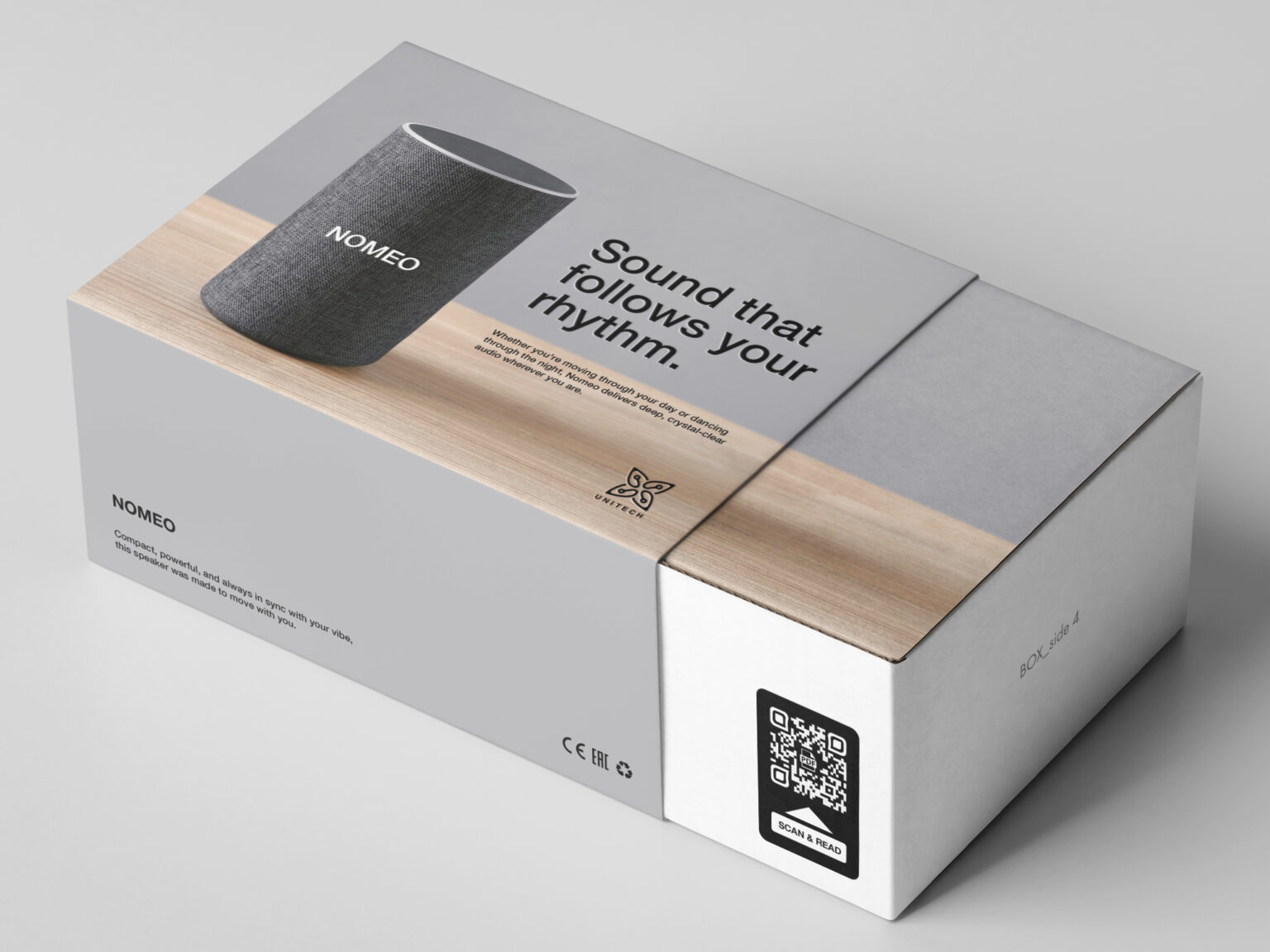
Barcode QR Code with a gs1 digital link on the side of an electronics box
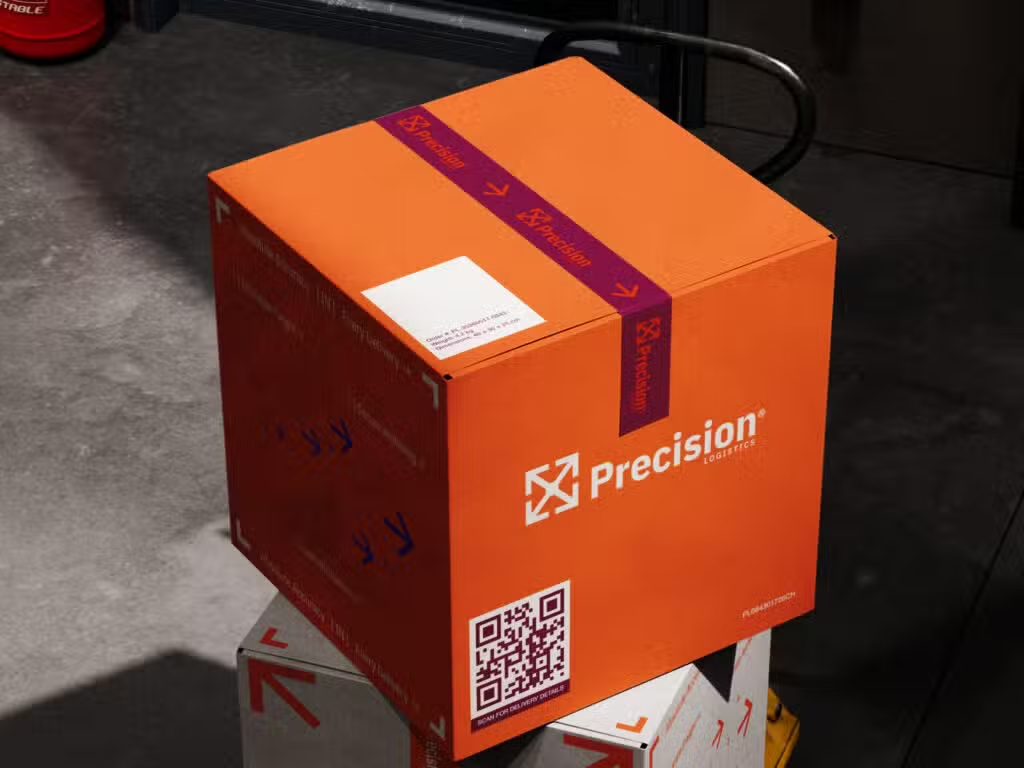
An orange box with a QR code on it, stacked on top of another box, on a warehouse floor with shadows.

Trueqrcode enables our users to batch generate QR codes at scale so you can create item-level and batch-level QR codes for product labels, packaging, master packs, case packs, etc. Bulk QR codes on packaging enable brands, manufacturers, retailers, pharmaceutical companies, food companies, and more to personalize QR codes and separate batches for health, risk, and anti-counterfeiting reasons.

The benefits of creating QR codes in bulk for itemized and batch-level uses

After you start creating your first QR code marketing campaigns, you’ll discover even more benefits that work for your brand and different product lines.

Track bulk QR codes with multiple links

Trueqrcode enables you to track QR codes with multiple links. See how your codes are performing by number of scans, city, time, date, clicks per link, and device. Depending on your objectives, this enables brands to adjust campaigns and improve them to increase engagement with audiences. Or, if there is a different goal, it will be clear to you what content is necessary and what isn’t.

Manage recalls

If there is a product recall, when a QR code is scanned, that warning can come up immediately. If the recall happens during the stocking process, or if it’s recalled when a customer scans, they know to pull it off the shelves or not take it right away. Of course, this is an extra way to give a recall warning, because if the code is not scanned, they wouldn’t know about it. Brands and manufacturers should still use their current ways to inform the public and staff about recalls.

Automate processes

Create multiple QR codes in minutes with our integrated spreadsheet template or your CRM data. This makes large campaigns more manageable and cuts down labor hours by not having to manually generate each code. Save time and costs using QR code templates to reuse the same branded colors and designs every time or modify them for seasonal and holiday campaigns.

Update content as needed

Dynamic versus static QR codes are editable so you can adjust and modify content links on your QR code landing page as needed. Whenever you track your codes and realize that some content is more useful than others, or if you find an error has been made, you can update your content without physically reprinting the code on every label or package.

Personalization at scale

With unique QR codes for each item or batch, you can link to registration information, recalls on certain batches, loyalty programs, referral tracking, and more. This provides consumers and those in the supply chain with important information they need about the product.

How to create QR codes in bulk for product labels and packaging

Step 1: Go to Trueqrcode and choose what type of QR code works best for your use. We suggest the GS1 Digital Link QR Code for selling products. Click on the “Create Bulk” button below. 

Step 2: A pop-up will appear to download our .csv file.
a) Download it and enter the information it asks for.
b) Review the information you input. Dynamic QR codes are editable, but it’s not recommended because, in case an error occurs, you would have to fix specific codes with mistakes and fix them.
c) Save your .csv file for later on your computer. Don’t delete it, ever.
d) Reupload it to Trueqrcode where it asks you to.

Step 3: In the actual QR code (not the .csv), you will then give the basic information it asks for. 

Step 4: Now you can customize QR codes with your QR code logo and branded, contrasting colors so they scan well. Your QR code design will stay the same on all of the codes you generate.

Step 5: Customize your QR code landing page for QR codes with multiple links. 

Step 6: Download your QR codes, test scan a few of them, and click on all of their links to make sure they’re correct.

Step 7: When printing QR codes, make sure there is a little space around the code and that it’s at least .8 x .8 in, not printed on creases, strong curves, high-gloss finishes, or folds. Do one test print on packaging or materials before printing all of them.

Step 8: With Trueqrcode’s dynamic QR code analytics, you can track the amount of scans done, from what cities they came from, on what devices, and clicks per link, which is important for your customer satisfaction metrics. 

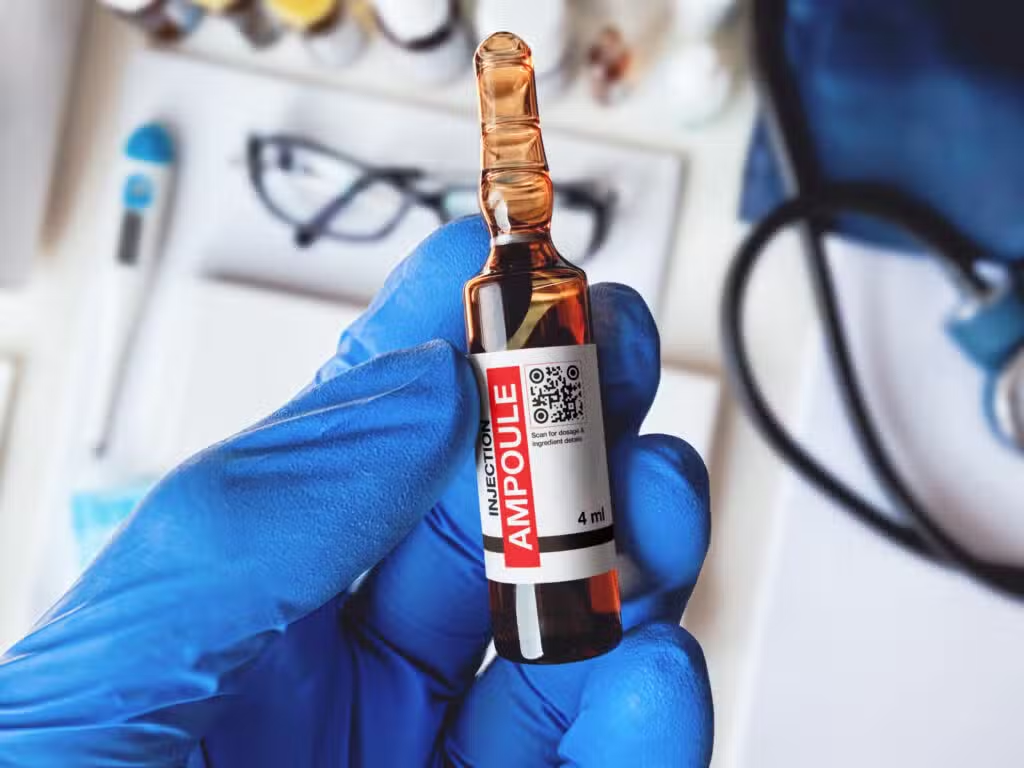
an ampoule injection bottle with a qr code on it in someone's hand
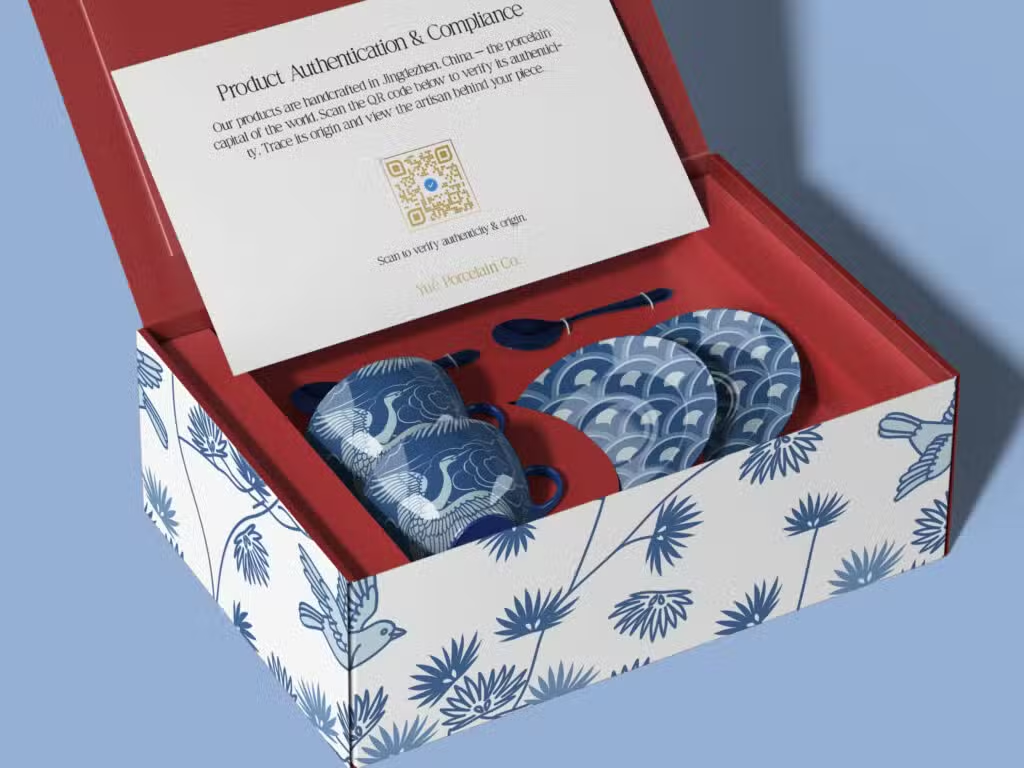
Some blue and white porcelain cups with cranes on them in a red-lined box with a QR code on the packaging inside.

Best practices for creating bulk QR codes for product labels and packaging

We’ll show you some interesting examples below about how you can use bulk QR codes in various situations. For more examples of using QR codes by industry, check out our full list in the link. GS1 Digital Links can be used for any product you sell with a GTIN barcode.

Ecommerce

Create product-level or batch-level codes across large catalogs with GS1 Digital Links for ecommerce that enable marketers to share product pages, purchase links, join loyalty reward programs, subscriptions, or add feedback. 

Electronics and consumer goods

GS1 Digital Link for electronics and consumer goods created in bulk empower brands to provide item-level serialization for necessities such as serial number, warranty, manuals, registration, authenticity, etc.

Food products

Bulk QR codes with GS1 Digital Links for food products can be generated at batch/lot level for things such as ingredients, allergens, origin, expiry, and recall info.

Luxury goods

Bulk QR codes for luxury goods enable brands to include unique serial numbers, authenticity, ownership, warranty, and product history.

Pharmaceuticals

Item- and batch-level bulk QR codes for pharmaceuticals are commonly used for serialization, expiry, safety, product information, and recalls.

Tips for creating bulk QR codes for labels and packaging

Follow these tips for optimum success in generating bulk QR codes on packaging and labels.

Review your .csv file before uploading

It’s easy to make typos and other mistakes. Fill out your .csv file, and review it the next day. This will mitigate errors in the final process. 

Add a scan-worthy CTA

Depending on your content, you’ll have to choose a CTA that works for the consumer’s benefit. Think about something short and to the point that you either print directly on packaging, or in the QR code frame itself.

Test scan a few codes

Not optional. Make sure all of the links go to the places you planned and that the content on those sites is mobile-optimized. Test on one material before printing thousands, so you know it works.

Make sure content is mobile-optimized

People are scanning from mobile phones, and few will send the information to their computer if they realize the web pages aren’t loading, are slow, and are shifting all over their mobile phone browser.

Give A/B testing time

Give your campaigns patience. If people don’t scan right away, scanning may be more popular at certain hours of the day, or days of the week. You may also see that a certain city scans more than others. When tracking Multi-Link QR Codes, including those with GS1 Digital Links, you can track how many clicks each link received, which is important for modifying content links.

FAQs

These are the most frequently asked questions and their answers about making bulk QR codes for packaging and labels.

Depending on your plan, you can create up to 200 QR codes with one .csv with Trueqrcode. But you can upload additional .csvs for more codes. You can also use templates to keep the same design.

Yes! Even GS1 Digital Link QR Codes with GTINs allow brands to include multiple links and socials.

Our bulk QR code generator supports any type of QR code we offer. However, you can’t choose different types of codes in one batch generation. 

As long as you keep your paid account open with Trueqrcode, none of your codes will expire.

Yes, you can always add a logo to your QR code design. Remember that when you print on product labels and packaging, the QR code needs to combine well.

Yes, you can track each code individually and how many clicks they receive per link.

Any dynamic QR code is editable. All of our codes are dynamic.