Create Multiple QR Codes for Large Marketing Campaigns

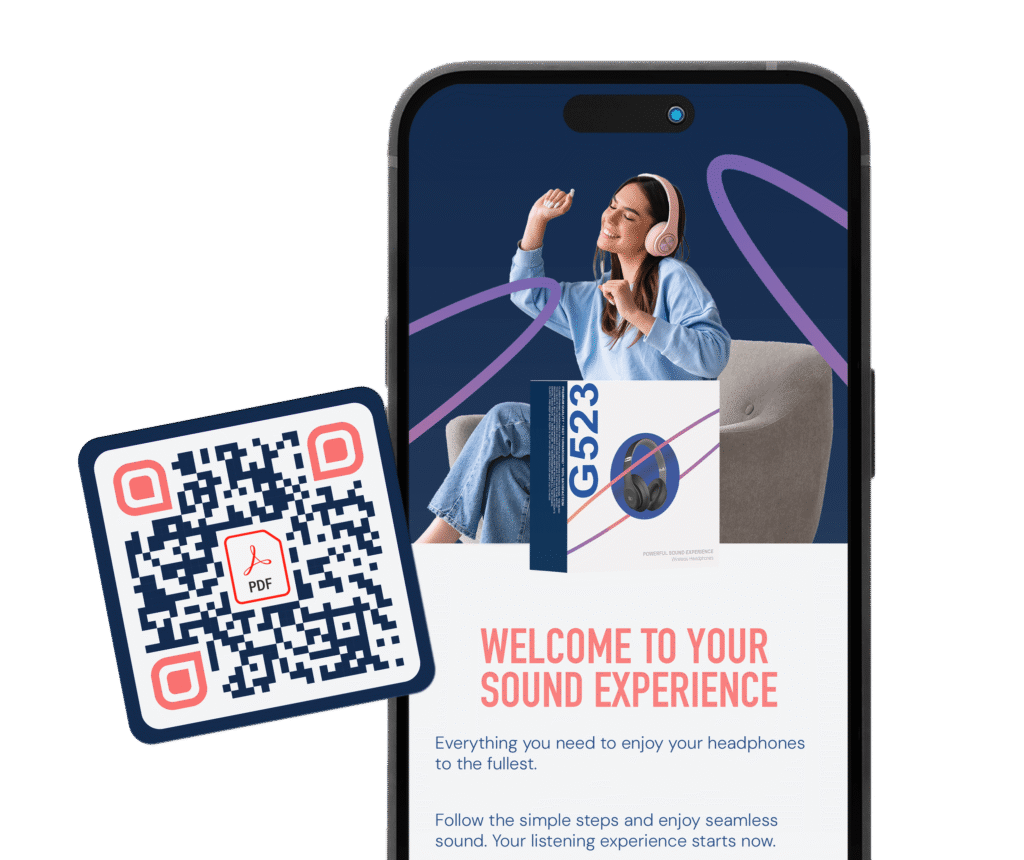
pdf qr code in front of a cell phone with a sound experience on screen
blue and magenta business cards with a beautifully designed QR code with logo, generated in bulk

Businesses batch generate QR codes to scale, personalize, and track each one separately. While most products use product-level QR codes (one for every product), or batch-level QR codes (for certain batches or lot numbers for supply chain or safety purposes), item-level QR codes are the most effective for serialization, luxury items, high-risk food or medicines, etc., however, we’ll stick to large marketing campaigns in this use case to tell you how you can create multiple QR codes successfully for that purpose. Bulk QR code generation is easy to do and keeps large campaigns organized and simplified.

The benefits of creating QR codes in bulk for large marketing campaigns

Create multiple QR codes for large marketing campaigns to gain a competitive edge that’s personalized for customers and gain valuable data for you!

Personalization at scale

With unique QR codes for each person, you can link to registration information, one-off coupons for discounts, loyalty programs, referral tracking, and more. This provides consumers with a digitalized, yet personalized experience making the purchase more special.

Individualized tracking

See how your codes are performing by city, time, date, device, and number of scans. This enables you to adjust campaigns to the audience’s needs, giving you insight as to what you can improve. It also lets you know how many people are actually interested in your campaign versus those who actually took further action.

Faster campaign deployment

Bulk QR code creation enables you to produce hundreds or thousands of codes in minutes with our integrated spreadsheet template or your CRM data. This makes large campaigns more manageable and cuts down labor hours by not having to manually generate each code.

Dynamic QR codes are editable

If you realize your campaigns are working better one way than another, you can adjust your campaigns accordingly. Editability is also great for adding new content on the backend later, for seasonal campaigns, or simply keeping content up-to-date. Moreover, in the case of an error, it can be corrected without reprinting the physical QR code.

It is cost effective

Bulk QR code generation eliminates the need to create and design each code, which saves labor costs. The dynamic aspect means if there is an error, there’s no need to waste time and money reprinting QR codes on packaging, QR codes on billboards, banners, brochures, etc. Furthermore, we offer QR code templates that enable you to save your designs for reuse on different codes in the future, or you can tweak them for new campaigns while maintaining brand consistency across marketing channels and materials, without paying extra for designers.

How to create multiple QR codes for large marketing campaigns

Depending on what type of QR code works best for your campaign, you’ll follow the simple prompts in the QR code generator to enter the required information. Here are the steps for creating multiple QR codes at once:  

Step 1: Go to Trueqrcode QR code generator and choose the type of code you will use. Scroll down a little and click on the “Create Bulk” option. 

Step 2: A pop-up will appear to download our .csv file.
a) Download it and enter the information it asks for.
b) Review the information you input. Dynamic QR codes are editable, but it’s not recommended that in case an error occurs, you would have to fix specific codes with mistakes and fix them.
c) Save your .csv file for later on your computer. Don’t delete it, ever.
d) Reupload it to Trueqrcode where it asks you to.

Step 3: In the actual QR code (not the .csv), you will then give the basic information it asks for. 

Step 4: Now, the fun part! Customize QR codes with your QR code logo, and branded, contrasting colors so they scan well. Your QR code design will stay the same on all of the codes you generate.

Step 5: Customize your QR code landing page for QR codes with multiple links. 

Step 6: Download your QR codes, test scan a few of them, and click on all of their links to make sure they’re correct.

Step 7: When you print, make sure there is a little white space around the code and that it’s at least .8 x .8 in, not printed on creases, strong curves, high-gloss finishes, or folds. Do one test print on packaging or materials before printing all of them.

Step 8: With Trueqrcode’s dynamic QR code analytics, you can track the amount of scans done, from what cities they came from, and on what devices, if this information is important for your customer satisfaction metrics. QR tracking enables you to do A/B testing over time so you can add and take away content links that are more useful for your audience. This is an important part of QR code marketing, whereas printed campaigns in the past did not provide data in return.

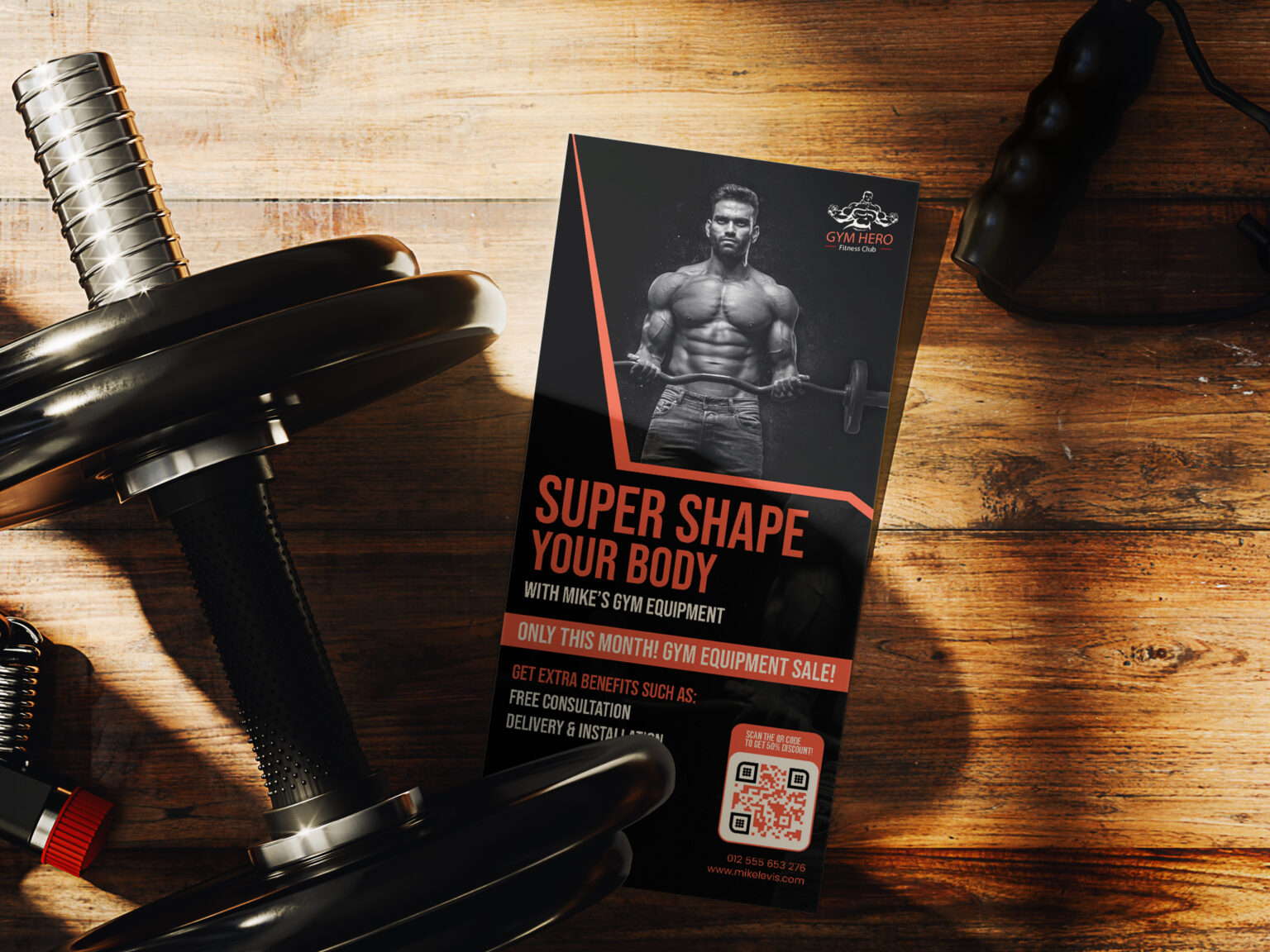
Add PDF QR Codes to Flyers
a qr code on a green badge with all green background

Best practices for creating QR codes in bulk for large marketing campaigns

Depending on your QR code use cases, you can get creative with what content and promos you want to add and modify campaigns for optimum success.

Generate QR codes in bulk for retail

QR codes for retail benefit in a major way from utilizing QR code technology. They can create multiple QR codes for large-scale campaigns at different store locations, for seasonal campaigns like back-to-school and Black Friday sales, and more. They can even use a Multi-Link QR code to add a QR code landing page with various options to follow content, sign up for loyalty rewards programs, view serialization numbers for luxury goods and electronics, and more.

Create QR codes for cosmetics

A QR code barcode for cosmetic products enables brands to share personalized experiences when people sign up for discounts and add referrals. It also inspires people to follow new content, such as beauty tutorials, subscriptions, or repeat buys for things like body wash every few months.

Optimize franchise marketing campaigns

Franchise marketing also benefits from QR codes in bulk. Let’s say you don’t create a code for every single customer, but you have 10,000 stores or restaurants across the country, and you create a QR code for each one. This level of tracking enables you to see what locations are taking advantage of your campaign and how you could change that elsewhere. It lets you know who’s interested in your offer, and your store sales will let you know who actually took action. Apart from localized performance, QR codes at every storefront allows you to input different information for each one like hours, location, local events, and store-specific discounts. You can offer national promotions or localized promotions. You can place QR codes on windows, table tents, receipts, and paper bags.

Print QR codes on cups

QR codes on cups are ideal for creating an individualized experience. If you’re a restaurant, winery, or bar, or it’s a special holiday, or you have an unforgettable event, this is the code for you! It allows every person who is drinking from the cup to sign up for more events, buy merchandise from ecommerce shops, follow socials, and subscribe to newsletters. Providing a discount code for scanning is a great motive. It’s also a never-ending campaign when it’s a beautifully designed take home glass and their friends will scan the code out of curiosity.

Share QR codes for events

QR codes for events and large conferences benefit a lot from unique QR codes for each attendee. It allows people to add things like their contact information with a vCard QR code on registration forms or badges. They can also use QR codes for multiple links to share content about their companies’ offers, services, and more. Ask people what data they would choose to share, and just add it to the .csv file before uploading.

Tips for creating multiple QR codes for large marketing campaigns

Follow these tips for maximum large-scale campaign success with your QR codes in bulk!

Review your .csv file before uploading

Tired eyes make mistakes. After filling out your .csv file, review it the next day. This will mitigate errors in the final process.

Add a CTA worth scanning

Depending on what QR code you choose, and your campaign goals, there will be a different CTA. You also don’t have to say everything that’s in the code if it has multiple links. Our frames offer a short CTA in the design, but a lot of companies prefer to add no frame and write a short and sweet CTA on their materials. Either one is fine as long as it’s to the point, scan-worthy, and goes well with your marketing material design.

Do a few test scans

Make sure all of the links go to the places you planned and that the content there is mobile-optimized. Test on one material before printing thousands so you know it works.

Ensure content is mobile-optimized

People are scanning from mobile phones, and few will send the information to their computer if they realize the web pages aren’t loading, are slow, and are shifting all over their mobile phone browser.

Do A/B testing over time

Give your campaigns a chance to flourish. Maybe more people come to your store on a Friday night than on a Monday. Maybe they follow one piece of content more than another. Or they like one promotion more than the other. Modify campaigns, but give them some time and patience. 

FAQs

Depending on your plan, you can create up to thousands of QR codes at once with Trueqrcode.

Each QR code can link to whatever you choose to put into your .csv file.

Our bulk QR code generator supports any type of QR code we offer.

Yes, as long as you use a dynamic QR code for multiple links.

As long as you keep your paid account open with Trueqrcode, none of your codes will expire.

Yes, you can always add a logo to your QR code design.

Yes, you can track each code and link individually.