










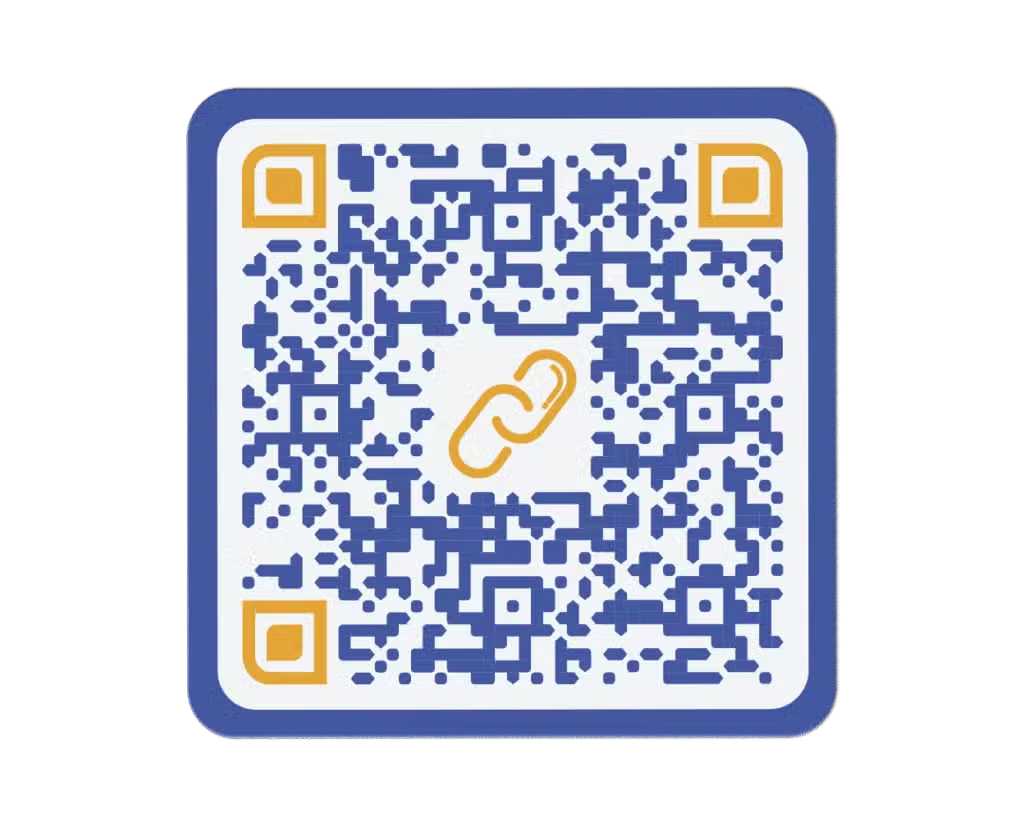



Create a QR Code for a Website Address

Easily add any website address to a QR code that you can share on physical products, materials, and spaces. Whether it’s your homepage, a product page, or a booking link, your visitors get direct access in one scan.

Try now for free
Website Link QR Code in front of a cell phone with blue and gold educational content
Mark J
Mark J
United States
I needed a quick way to create a QR code for my website and Trueqrcode was just perfect. No sign-up, super fast, and I could download my code in seconds. Definitely my go-to website QR code generator from now on.
Susan K
Susan K
Netherlands
Great tool! I used it to turn a link into a QR code for our event page and it worked instantly. Love that I could customize the look and that it’s also available in Dutch. Super smooth experience.
Rajesh P
Rajesh P
India
I searched “how to make a QR code for a website” and landed here. I’m glad I did. It’s intuitive and even lets you track scans if you upgrade. Highly recommend for businesses needing a reliable QR solution.
Ana S
Ana S
Brazil
This tool helped me convert my blog link into a QR code for flyers. So easy to use and the fact that it’s free (without watermark) is a huge bonus! Obrigada, Trueqrcode!
Yuki H
Yuki H
Japan
I use Trueqrcode to make QR codes for websites I promote in my digital marketing campaigns. The dynamic QR code option is very helpful. Also love the clean design of the dashboard.
Maria G
Maria G
Spain
Very practical! I used it to create a QR code from a link to my portfolio. Clients can now access my work directly by scanning from my business card. ¡Funciona perfectamente!
Tom Z
Tom Z
Australia
Finally found a tool that lets me turn my URL into a QR code without messing around. The interface is clean, fast, and professional. Bonus points for offering both PNG and SVG downloads.
Chloe L
Chloe L
France
Super easy to use. I had to make a link into a QR code for my landing page and Trueqrcode did it beautifully. Even without an account, it worked straight away. Merci!
Omar R
Omar R
Egypt
Trueqrcode is the best way I’ve found to create a website QR code. It’s great for marketing brochures and I appreciate the analytics feature to see how many people scan it.
Tatiana M
Tatiana M
Russia
I used several tools before but this one is by far the easiest to generate a QR code for a website. I also like that you can add your logo and adjust the colors. Очень удобно и быстро!

Excellent | 4.9 out of 5 from 623 reviews

What is a website QR code?

A website QR code is automatically directed to a specific web address when scanned with a smartphone or tablet. Instead of Googling your website or manually typing it, people can simply scan and go, making it the easiest way for them to connect to your digital content.

When considering static vs. dynamic QR codes, it’s important to know that dynamic QR codes are the ones that can be edited later on in case you change your URL. Static codes don’t allow for content changes down the road. That’s why Trueqrcode only offers a dynamic QR code generator allowing you to have greater flexibility and more control over your content and marketing campaigns. 

Curious to find out more? Check out our in-depth article here: What Is a Website QR Code and How Does It Work?

Website Link QR Code

Why should I add a web address to a QR code?

You benefit from QR code marketing more when you take advantage of QR code tracking. If there is no engagement on your website, it may be because it’s convenient to search for you online, or people can’t distinguish your brand from competitors. A website QR code mitigates confusion and tells you how many people scanned as long as you use a QR code generator with analytics. After that, you would need to analyze your own traffic from your web page.  

A QR code for a website is also convenient when you need to share a large amount of content without printing a lot of paper. The best QR code generators are with paid accounts because they are secure, route directly to landing pages without pop-ups, and are 100% managed by the creator of the code, so you don’t need to worry about it not working one day or showing ads. 

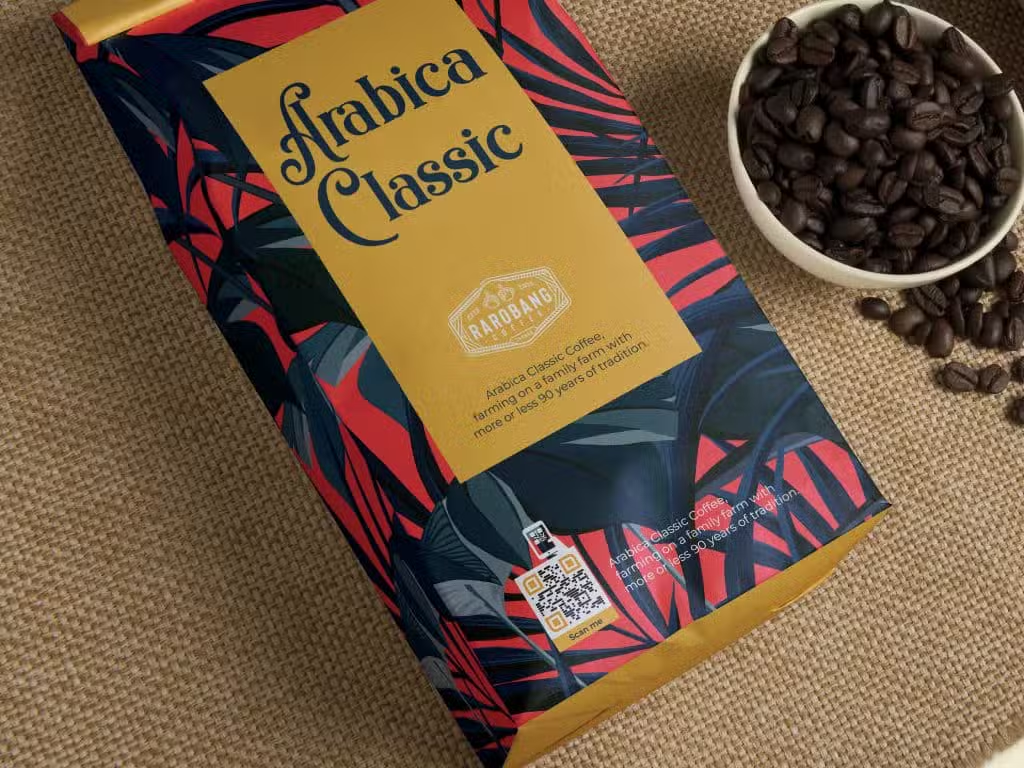
QR codes on product packaging are ideal because you give a value added experience to the consumer, which can turn a one time purchase into a long term client if the content is interesting enough to engage with. 

You can also customize QR codes with your branded colors and a QR code logo that makes your company stand out from your competitors. Moreover, you can create QR code templates and save them in your Trueqrcode dashboard for future campaigns and promotions, enabling you to have fun with the design tools without having to spend a lot of time or effort on remaking designs again and again. 

For deeper reading, check out our article: Explore the Top Reasons to Use a Website QR Code

Website Link QR Code

How to create a website QR code

1

Go to Trueqrcode’s QR code generator and choose the Website URL option.

2

Enter the URL.

3

Design the shape, frame, colors, and logo

4

Download and test the code to make sure it scans.

5

Print on the desired material and do another test scan before launching.

If you want a full instruction guide, check out our dedicated blog: How to Create a QR Code for a Website

Website Link QR Code

Smart Ways to Use a Website QR Code

QR codes for Retailers in a magazine with luxury goods

Encourage repeat purchases through ecommerce sites. Do you sell products that need to be replenished every few months? Scanning a QR code to a simple site enables customers to make repeat purchases without having to wait in line at cash registers in busy shops.

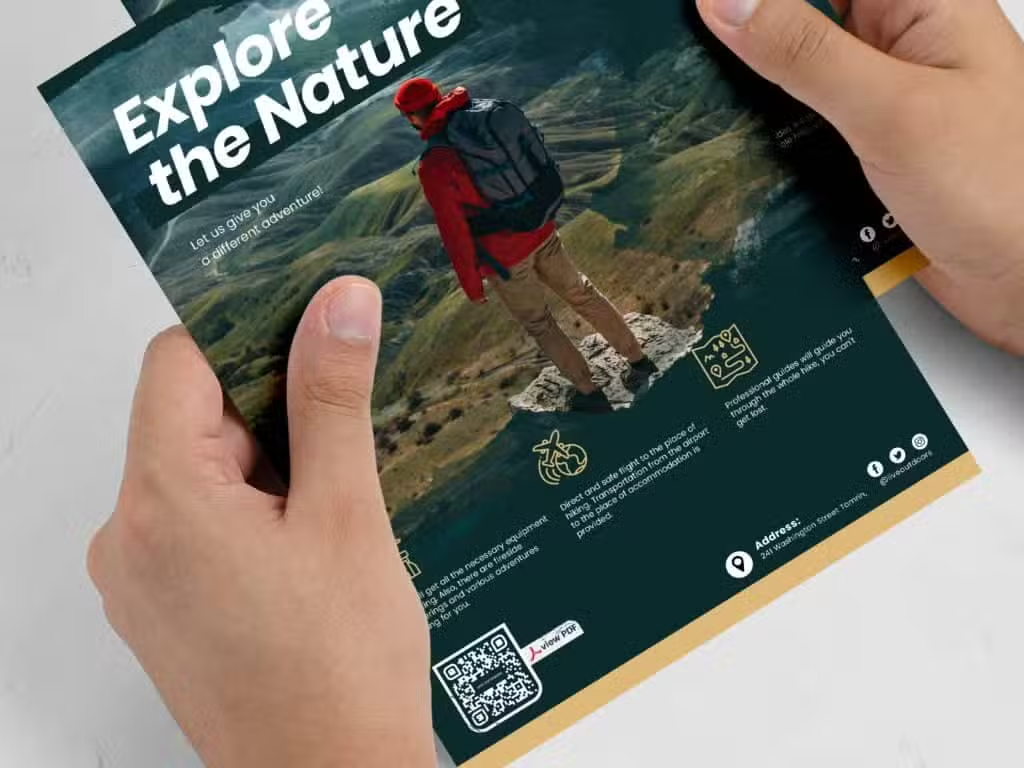
QR codes on Flyers

Enable booking with direct calendars. Do you offer services such as classes, styling, spa services, private language or music lessons, and more? Adding a URL QR code to materials like flyers, posters, or physical spaces that link to your calendar makes it more convenient for customers to book your services online without phone calls and texts back and forth between clients and your receptionist. 

Static QR code

Make content sustainable. Smart packaging is here to stay. With conscious consumers demanding more information and less packaging, website QR codes that offer origin stories, ingredient information, eco-certifications, and more, are the only solution.

QR codes on Table Tents

Increase event attendance and ticket sales. Do you have landing pages that promote your concerts, exhibitions, networking seminars, or conventions? Can attendees buy tickets there? Providing a QR code for your audience to scan so they can keep up with your latest events will ensure that ticket sales and attendance will rise.

4 Benefits of Using a Website QR Code

Engagement

Sustainable and cost-effective

Adding a website address to a QR code is the simplest way to share content on your landing page without having to print a lot of materials. This saves paper, ink, and litter.

Convenience

Convenient for brands and consumers

If there’s an interesting CTA, consumers can scan a URL QR code and get directed to your website in seconds. This means that brands save time, content isn’t wasted, and customers have instant information saved in their phones.

Versatility

Fun to use and easy to make

Website QR codes are fun to use because brands can change marketing campaigns and see the benefits in their analytics dashboard. They’re also easy to make, and designing them with simple tools gives brands an extra edge.

Analytics

Space and design are improved

Packaging and other printed materials look a lot cleaner, clearer, and more intelligent when a simple QR code says everything in one scan. It’s modern, visually appealing, and takes up less space than having a lot of words and additional barcodes, etc. in the same place.

Start now and create a website QR code

With Trueqrcode, you can generate high-quality website QR codes and start sharing your valuable digital content with your target audience today.

Other types of QR Codes

WiFi QR Code

Enable guests to connect to your WiFi instantly without having waiters and receptionists stand over them to keep rewriting passwords! This quick, safe, and effortless WiFi connection can be updated on the backend at any time, even if you change your passwords.

Multi Link QR Code

Add multi links to your QR code to get people connecting to various social media channels, maps, videos, PDFs, and more, keeping your audiences engaged, loyal, and optimizing convenience!

vCard QR Code

The vCard QR Code Plus empowers you to share your contact information instantly, auto-populating it into contact fields in the scanner’s smartphone. Never worry about lost business cards and mistyped phone numbers again!

GS1 Digital Link QR Code

Any product in the world with a GTIN should use a barcode QR code, enabling supply chains to streamline information shared to regulators, distribution centers, and the end consumer. They will replace traditional barcodes by 2027.

PDF QR Code

Add PDF files like white papers, ebooks, and anything else to a PDF QR code. The PDF will download to the user’s phone immediately, convenient for storing large amounts of information without printed paper that gets lost or thrown away.

Frequently Asked Questions

Got questions about creating a QR code for your website? Here are some of the most common things people ask before they get started — from how it works to what’s included for free.

URL QR codes can direct to a URL link automatically, given it’s a paid QR code account without pop-up ads, which is what you want for a more professional and safer experience.

Yes, as long as you use paid accounts and not free ones that can lead to ads or stop working over time. 

It should be at least .8in x .8in (2cm x 2cm), and the colors should be contrasted so the code scans correctly.

On all new smartphones, QR codes can be scanned in normal camera apps. On older phones, you may have to download a free QR code scanner app.