
Customize QR Codes
Generate and customize QR codes that are dynamic, trackable, and secure! Create beautifully designed campaigns and keep your templates for future use.
Excellent | 4.9 out of 5 from 623 reviews
Customize QR codes for a variety of purposes
Amplify your QR code design by adding a QR code logo. Boost brand recognition and awareness by incorporating them into your product packaging, into magazine ads, on billboards, on flyers for concerts and events, and anything else that helps you share great content while promoting your personal or professional image. QR code marketing is elevated when you add fun, branded colors and an interesting CTA so customers know there’s exciting content on the other end of the scan.
Customize QR codes for lasting results
Edit content without having to reprint your physical QR code
If you add new content like updated videos, promotions, giveaways, and more, you can just add URLs on the backend without having to reprint a physical code. When you customize QR codes that display your brand image and have been placed in public places like billboards, you want a code that is authentic, well-designed, and doesn’t require physical replacement.
Track dynamic QR codes and see scans rise with your designs
When you customize QR codes, people are more inclined to scan. You can see your analytics shoot up when you compare a boring black and white code with a QR code that is aligned with your brand image.
Change the way you interact with your target audience
Customize QR codes to attract followers in different social channels, encourage repeat purchases, add URLs to sign up for newsletters, and add links to videos, music, product instruction manuals, calendars with events, ticket sales, and anything else! Scanning a QR code just makes sharing content easier.
Modify your templates according to brand evolution and seasonal campaigns
Keep the same QR code templates you used to customize QR codes in the past. You can organize all of your folders in the Trueqrcode dashboard with active QR codes and their designs. Reuse the same styles again to maintain packaging consistency, or modify your designs to keep your signature QR codes similar while editing them a bit for seasonal campaigns.
How to create and customize QR codes
1
Sign up for a Trueqrcode account: Visit the Trueqrcode website, select the Create QR Code button, and choose any of our dynamic QR code types according to your needs.
2
Enter your content: After selecting the code of your choice, you’ll enter the content as prompted on the screen. It’s simple, quick, and check it twice for any typos.
3
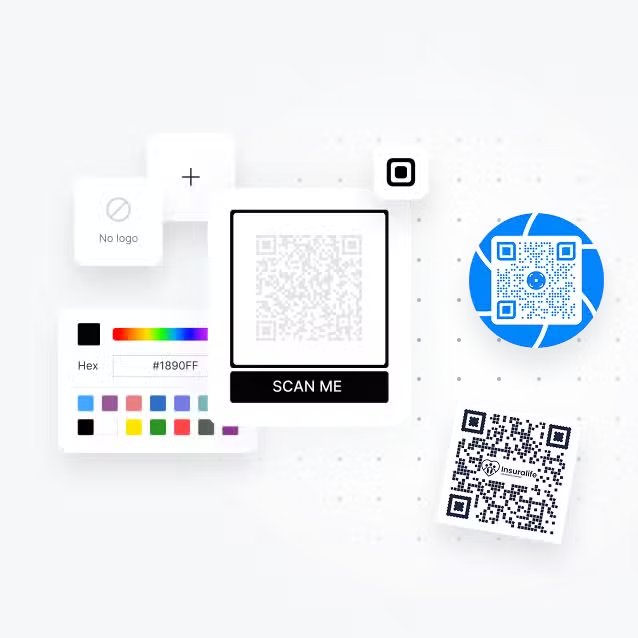
Customize your QR code: Add colors, logos, and frames to match your branding. Make it pop and add a riveting CTA to entice people to scan!
4
Create your QR code: Press “Generate,” and your dynamic QR code will transform into a scannable QR code.
5
Download and test the QR code: Save the QR code image and do a test scan. Also, test after printing a QR code on product packaging before printing it in large qualities.
Bonus! Check out our QR codes by industry and our QR code use cases to see some of the unique ways you can customize QR codes. The ways and reasons to customize QR codes are limitless, and can be done quickly and simply without any design or tech experience necessary.
How can I customize QR codes for my business?
Need to display something interesting to customers without standing outside of your flagship store and handing out flyers that get lost and littered? Customize QR codes that not only direct customers to holiday campaigns, promotions, scavenger hunts, coupons, and more, but also add to the window displays you already have to grab customer attention and add digital value to physical displays.
With new GS1 regulations, most products are going to carry a GTIN QR code to make 1D barcodes obsolete. Take advantage of it by giving it an eye-catching design that makes customers want to scan, encouraging post-purchase engagement.
It should be easy enough for creative personalities to customize QR codes that make their businesses stand out. Trueqrcode provides a fun-to-use design platform that mitigates time spent while maximizing your brand creativity that supports and represents your company image.
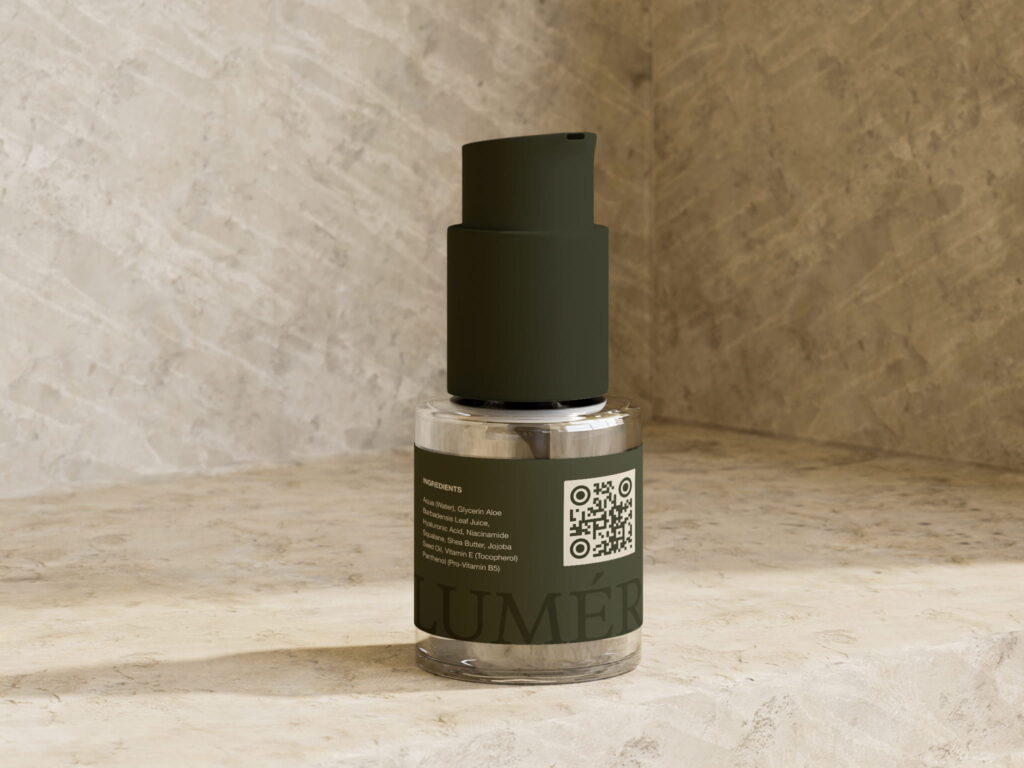
QR codes with GS1 Digital Links are replacing traditional barcodes by 2027, and everyone is making the switch! If you design beautiful packaging for the cosmetic industry, where image is everything, customize QR codes that integrate digital experiences like links to makeup tutorials, the ability to make repeat purchases, and more!
4 Benefits of customizing QR codes

Increased Engagement
Customize QR codes that capture consumer curiosity and deliver valuable digital experiences that inspire engagement.

Maximize Convenience
Smart packaging is the answer to sustainable practices because QR codes provide links to larger landing pages of content without paper waste.

Analyze Campaigns
Use QR code analytics to see where codes were scanned, when, and on what devices. Depending on your objectives, analytics are telling.

Modernize Packaging
Don’t double up on 1D barcodes and QRs on the same package anymore! It’s cleaner to streamline all packaging information into one beautifully designed QR code.
Looking for other Features?
Frequently Asked Questions
Will a custom QR code design scan correctly?
As long as there are contrasting colors, the corners aren’t covered, it isn’t on folds or creases of packaging or materials, there is a white space around the code 4x the size of one of the pixels, and it’s not damaged over 30%.
Can I include a QR code logo?
Of course! Just upload it to our QR code generator in seconds, and you’ll see a high-quality logo appear. If you need help with resizing it, there are many free online applications that can shrink the weight while maintaining a quality image.
Can the QR code match my branded colors?
Yes, you can even type in the hex code, i.e.: #FF69B4 = hot pink, and the color will appear. Just make sure the colors contrast and scan. Neutrals on top of each other, for instance, won’t work. You can play with the tools and modify them to a distinct look, while adding visual and digital value to your packaging and materials.
How big should the QR code be?
At least 1 – 2 cm minimum with a white space around it. Adjust until it scans, and do a test on one printed package before printing thousands.
Do I need special apps to scan the code?
No, with a GS1 Digital Link QR code, certain parts of the supply chain will use different devices but the end user can use a smartphone just the same. Customizing the design doesn’t change its ability to scan and link to the necessary URLs.