









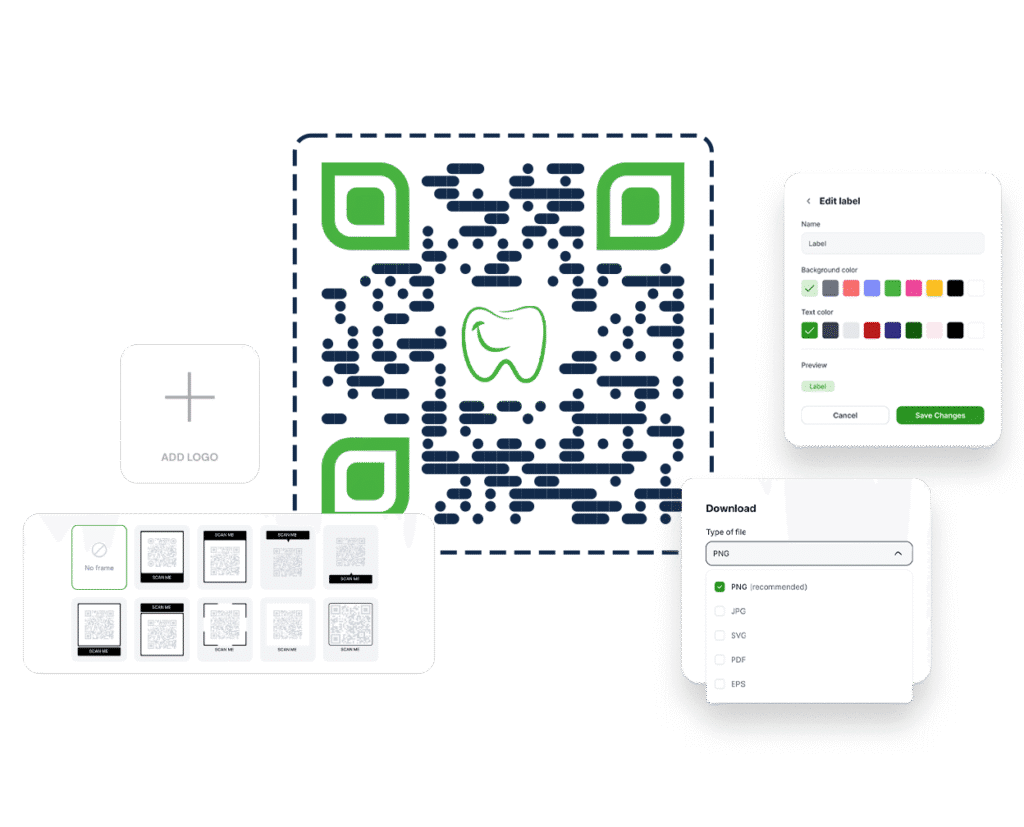
Easily create a professional QR code with your logo in the center. Perfect for emphasizing custom branding, maintaining consistent marketing materials, and boosting brand recognition and awareness.
Excellent | 4.9 out of 5 from 623 reviews
A logo QR code is the key ingredient to your customizable QR code. Whether you’re promoting a website, event, or product, adding a QR code logo in the center ensures a unique and professional look.
A branded QR code not only looks more polished, but QR code marketing also increases credibility and encourages more people to scan. With Trueqrcode, you can easily create a QR code with a logo in seconds, with no design skills required.
1
Go to Trueqrcode: Visit the QR code Generator with Logo page. Add your QR code logo to a URL QR code, a business card QR code, a GS1 Digital Link, create a QR Code with Logo for WiFi Access, to a QR code for PDFs, or to a Multi Link QR code.
2
Add your content: Add your link, text, file, or contact info to any type of QR codes that we offer above.
3
Upload QR code logo: Drag and drop your logo into the space provided in seconds.
4
Customize the design: Choose branded colors, diverse shapes, and play with the size to add to your brand identification.
5
Download your branded QR code with logo: Export as PNG or SVG for high-quality printing.
Make CTAs stand out with a branded visual.
Add a QR code to show instructions, reviews, or registration forms.
Let people scan and connect directly with your profile or website.
Make tickets, badges, or invitations more dynamic.

Trueqrcode enables you to create clean, high-quality QR codes with logos without any branding or watermarks. Your QR code looks professional and fully yours.

Our logo QR codes are designed for maximum compatibility with multiple devices, such as Android, iOS, tablets, or desktop scanners, so your QR code will scan smoothly.

Made a typo? Changed your landing page? You can update the destination behind your QR code anytime without reprinting anything. It’s perfect for long-term campaigns and evolving content.

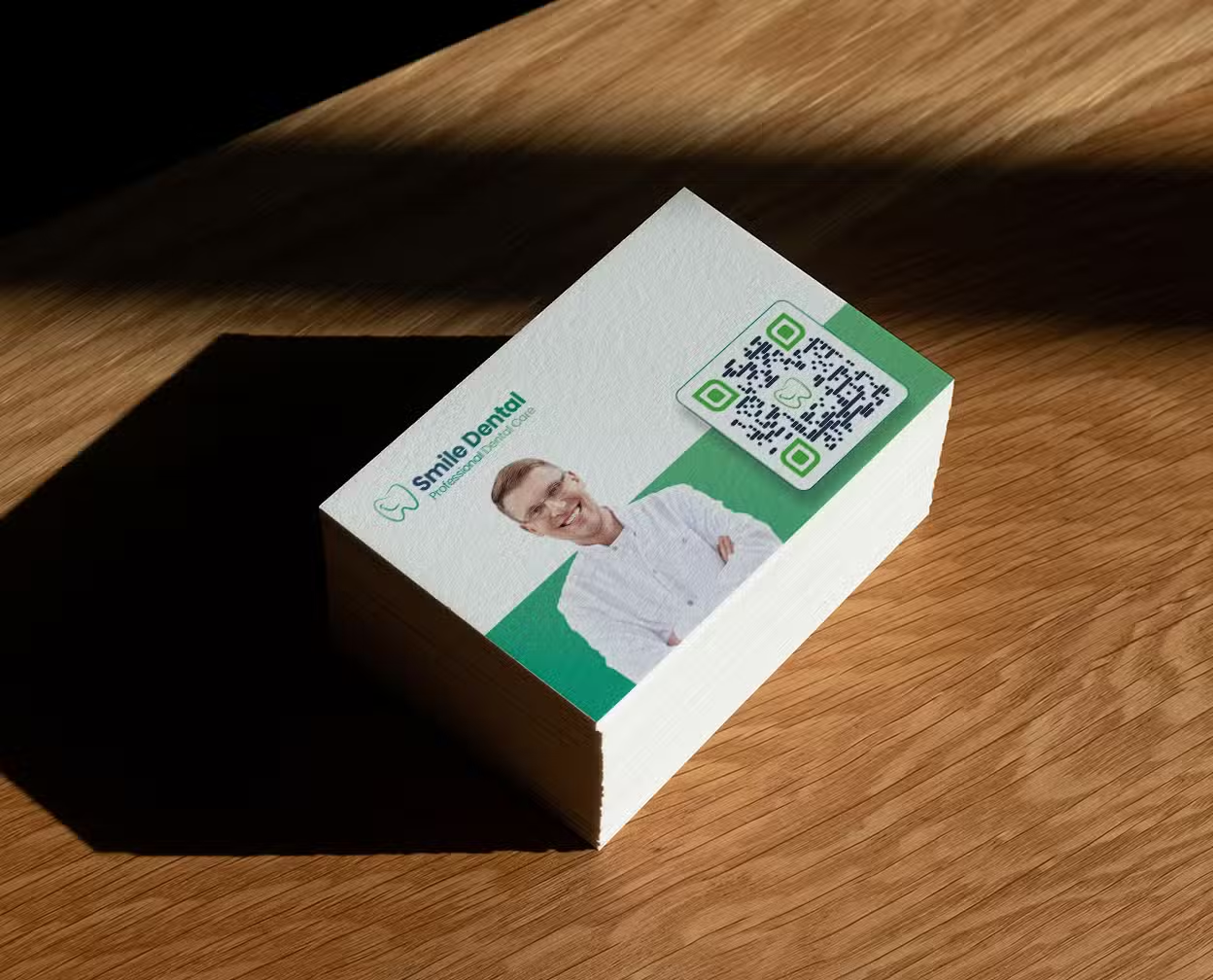
Placing your QR code logo on packaging, billboards, badges, websites, and more empowers you to maintain brand consistency across all channels, earning customer trust.
Got questions about creating a QR code with your logo? We’ve got you covered. Below are answers to the most common questions users ask when generating a custom QR code with logo using Trueqrcode. If you need more help, feel free to reach out to our support team anytime.
Yes! You can upload a PNG, JPG, or SVG logo file.
Absolutely. We ensure all logo QR codes remain fully functional.
You can download in high-resolution PNG or vector-based SVG.
Yes. All QR codes created through Trueqrcode can be used for business, marketing, and product packaging.