

Use PDF QR Codes for Legal and Compliance Documents

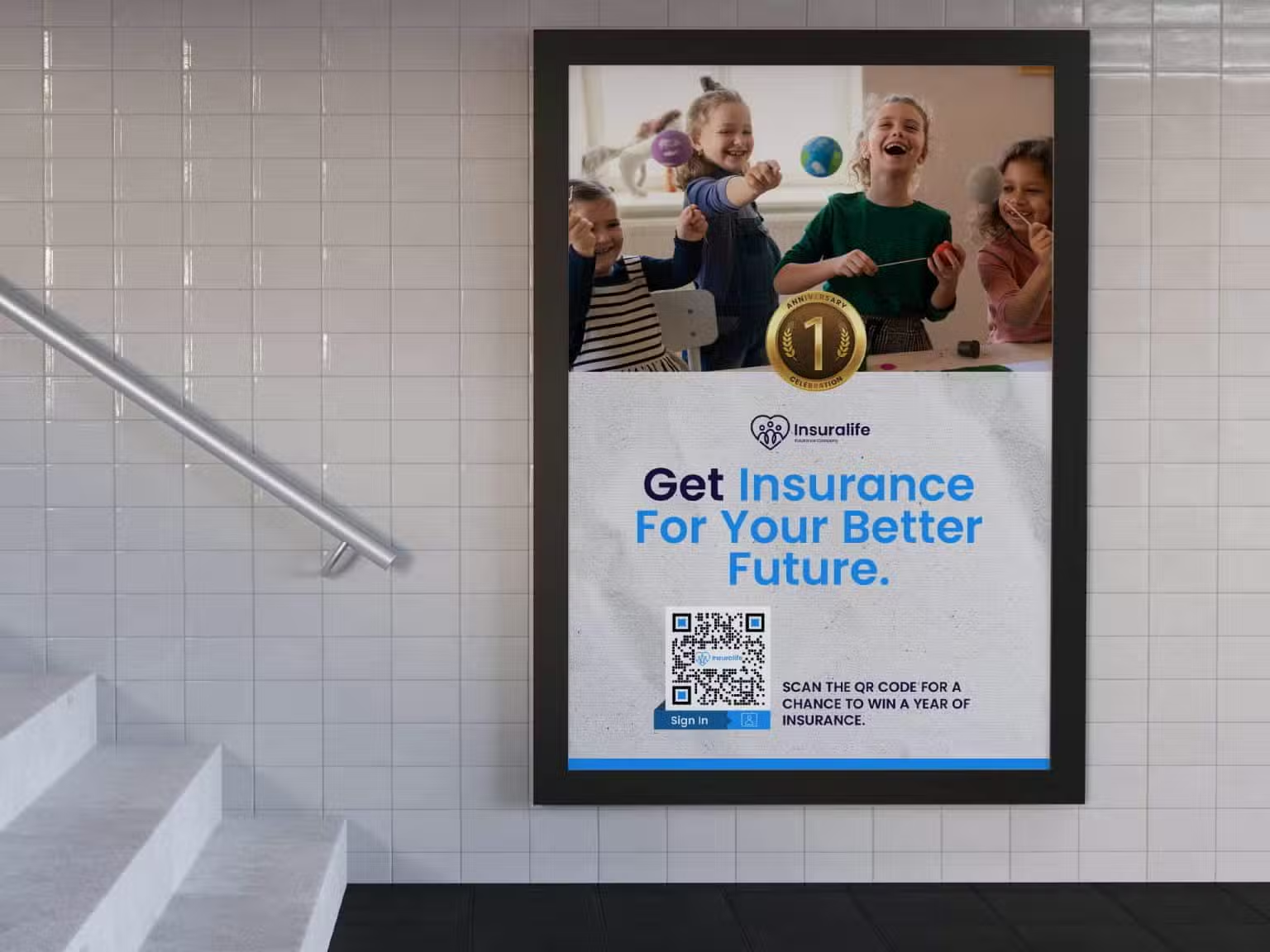
a poster with kids laughing for insurance
QR codes on Newspapers or Magazines for education

QR codes for legal and compliance documents are convenient for PDF files too big to email, convenient for multiple parties or general public policy information, terms of service agreements, living documents that can be edited on the backend without reprinting physical codes, etc., thereby saving large amounts of paper.

The PDF QR code serves as a convenient access tool to documents. It is not always the final legal proof. Those working in legal teams are aware that QR codes are not for serving legal documents, obtaining required signatures, or anything that requires identity verification or proof of delivery.

In this use case, we’ll describe how PDF QR codes are the quickest and safest way to share large or small legal files that can be compressed PDFs, and how useful QR codes are in certain scenarios for legal teams and their stakeholders.

The Benefits of Using PDF QR Codes for Legal and Compliance Documents

Using QR codes for legal and compliance PDFs is becoming more common because of the editability and versatility of QR code technology. Here are just a few of the main benefits:

Instant access to documents

Users can scan a QR code and immediately access and download large files to their device. This is convenient for policies, disclosures, and contracts. It also saves time during audits or inspections.

Dynamic QR codes are editable for making easy updates

You can edit a dynamic QR code on the backend without changing the physical code. Your audience won’t automatically receive updates, but when scanning the code again, they will. So when you have modifications in contracts, policies, etc., you can upload your new PDF and notify your audience of the change. 

PDF QR codes reduce paperwork

Forget printing heaps of paperwork every time hundreds of pages are modified. This means a more sustainable business, and lower printing fees from ink, paper, and machinery costs.

Immediate content sharing

Instead of filling out paperwork and bringing it back to a place, you can receive paperwork, fill in the necessary content or e-signatures, and send it back electronically.

QR codes are secure

When you give access to certain users for specific QR codes with password-protected PDFs, only authorized users will be able to view the document. The creator may also track a QR code by using the analytics dashboard, seeing when the code was scanned, from what city, and on what device.

How to Create QR Codes for Legal and Compliance Documents

Here’s how to quickly and safely make a QR code. Try our top QR code generator for the safest and most reliable solution out there. 

Step 1: Go to Trueqrcode QR code generator and click the “PDF” option. Now, drag your PDF into the content section. If you choose to use a URL to host your files, you can use the Website URL option and add the link. Read more about that security in our tips section.

Step 2: Go to the right and design your frame (more in the step below), add a QR code logo in the center (don’t obstruct the corners or it won’t scan), and add branded, contrasted colors so your firm is recognizable, yet the latter is for the code scanning well. Customizable QR codes are simple to make and add a professional touch to your stationery and other company materials. You can also make interesting shapes and colors that suit you.

Step 3: Regarding your frame, add a call to action. You’re limited on characters here, so you may choose to skip having a frame or make one without a CTA; however, you must add one on the material you print the code on in that case. People need to know why they are scanning. Make it clear and concise. Consider it beforehand.

Step 4: Download and print your QR code. Make sure it’s at least 2” x 2”, and there is enough white space around it, or it won’t scan. 

Step 5: Test your code before you print to ensure it scans. Test again after a physical print. If you’re printing on heaps of materials, test one before all. The second test is to make sure your material isn’t reducing the ability to scan. Don’t print on creases, extreme curves, folds, or extremely shiny things. Glossy brochures and windows still work, but still test!

QR Codes on Infographics poster in an office for finance
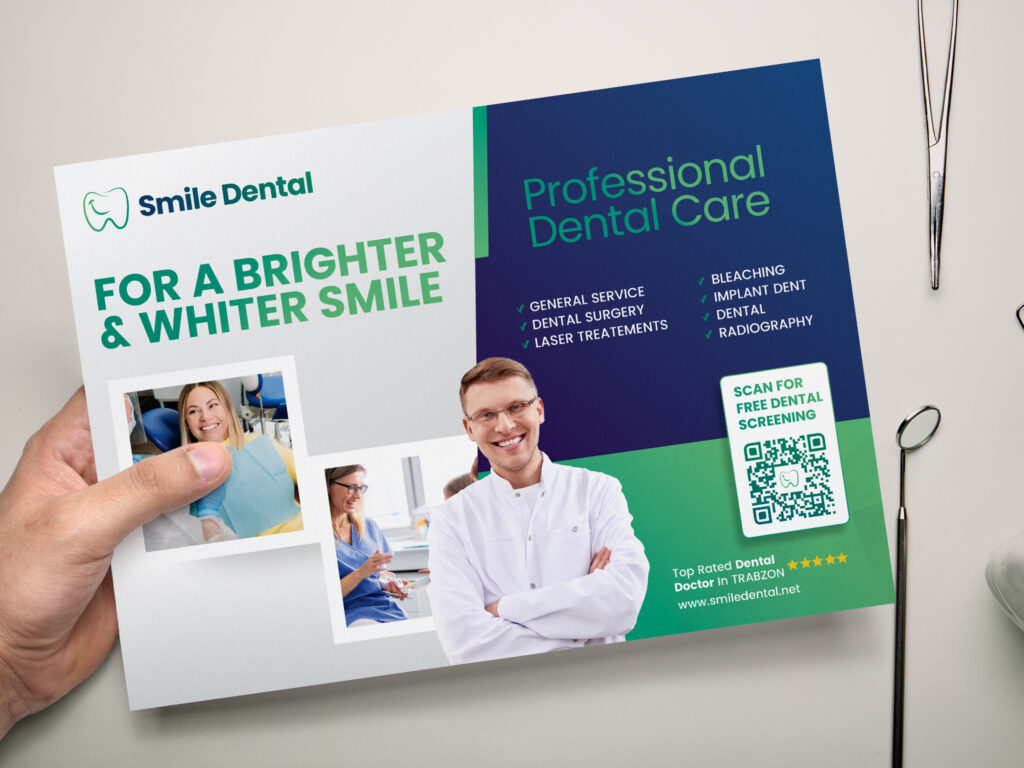
Add PDF QR Codes to Flyers

Best Practices of Using PDF QR Codes for Legal and Compliance Documents

There are a multitude of ways that you can use QR codes for PDFs in the legal field. These are only a few examples, but the possibilities expand further based on your needs, audience, and sector.

Link to bundles of documents

A PDF file or URL can be linked to a QR code. This may include bundles of documents that are combined into one PDF for easier organization. Or, you may try a URL if you want to attach many PDFs, without combining them into one file. We’ll tell you about how to do that securely in our tips section below.

Direct clients to intake forms

This is an easy way to share information that can be filled in on a mobile device in a waiting room instead of using expensive tablets for clients, or making receptionists retype everything the client has filled out in pen. This also mitigates human error from transposing information between typists.

Replace printed contracts for multiple people

Scanning a QR code simplifies multiple parties having the most updated version of contracts. Since all of Trueqrcode’s QR codes are dynamic, you can update them at any time on the backend without reprinting the physical code. The final one that is agreed upon can be printed to sign.

Link to larger annexes

A court filing includes a heavy amount of documents. Courts may limit file sizes. Compressing documents and evidence into a PDF can avoid printing hundreds of pages.

Compliance and policy access

For legal documents that may be updated over time and need to be in public view, it’s more convenient to have the audience scan a QR code so they receive the latest version of the policy or terms of service.

Tips for Using PDF QR Codes for Legal and Compliance Documents

PDF QR codes for legal documents should be compliant, reliable, secure, and ready if there is an audit. They need to go beyond just being scannable. Let’s find out how.

Always use dynamic QR codes

What’s the difference between a static vs. dynamic QR code? The former isn’t editable or trackable; two things that are absolutely necessary for ever-changing documents in the legal and compliance profession.

You can secure a linked PDF

Using a URL or site that’s password-protected is secure. Using publicly hosted cloud storage or public file dumps is not your best bet. You can also use expiring links and update them in the QR code when needed.

Use your scan tracking

This feature isn’t only for marketers. You can tell if someone is scanning from an odd location, or hasn’t even accessed the document at all. The QR code dashboard doesn’t give you proof they read it, or who scanned the code, but does give insight and may raise a question if something doesn’t look right. This is helpful for compliance and audit trails if something were to arise.

Use private and secure hosting for PDFs

Don’t use public cloud storage with ads and URLs that can be changed later by new users or the company. This is where people are leary about using QR codes because they use free QR code generators that make mystery changes later on, leading to chaos and damaged reputations. You also need to take care of the URLs on the backend. We assume that, depending on your region, legal professionals would be familiar with what is legal regarding where they store their documents. But just in case, we’d advise you never to put anything in process in a public space. Public URLs that go to websites for instance, would include public policies and terms and conditions that all people would need access to. In that case, you have to decide what’s best for your purpose. 


As an important side note: our PDF QR codes enable you to drag and drop the PDF, send the scanner directly to the document, and download it immediately. You can add new versions of the document as many times as you like, but you have to notify users yourself to rescan. QR codes can’t notify people as they don’t have their contact information. If you decide to use a URL to host your PDFs, then take our precautions into account.

Think about where you print your code

If it’s a public policy, they need access. If it’s a private matter, would you send the code by certified mail to the user? Or in an email, but they would have to scan from a mobile phone to the computer. So think about what works best for you and your audience. Do you want public or private codes? How many times will you update the document? Are people going to be coming into your office every day to rescan if that’s where the code is? QR codes are convenient, but think about the access points before printing.

FAQs

These are the most frequently asked questions and their answers about making a QR code for legal and compliance documents.

It’s a QR code that enables the scanner to download a PDF file immediately, to access large or small documents instantly.

For terms and conditions, privacy policies, compliance certificates, safety manuals, drafts between colleagues, etc.

QR codes reduce paperwork, printing costs, and paper waste, and provide updated access to materials.

Just upload the new one whenever there is a change without reprinting the physical code. You would have to notify your audience separately to scan the code again.

If you have different types of files with legal and compliance documents, like a website, you can make another kind of QR code that’s suitable for you.