


FAQs
These are the most frequently asked questions and their answers about making a QR code for a WiFi password that has a logo to make it stand out.
Can people see your WiFi password when you scan a QR code for wifi?
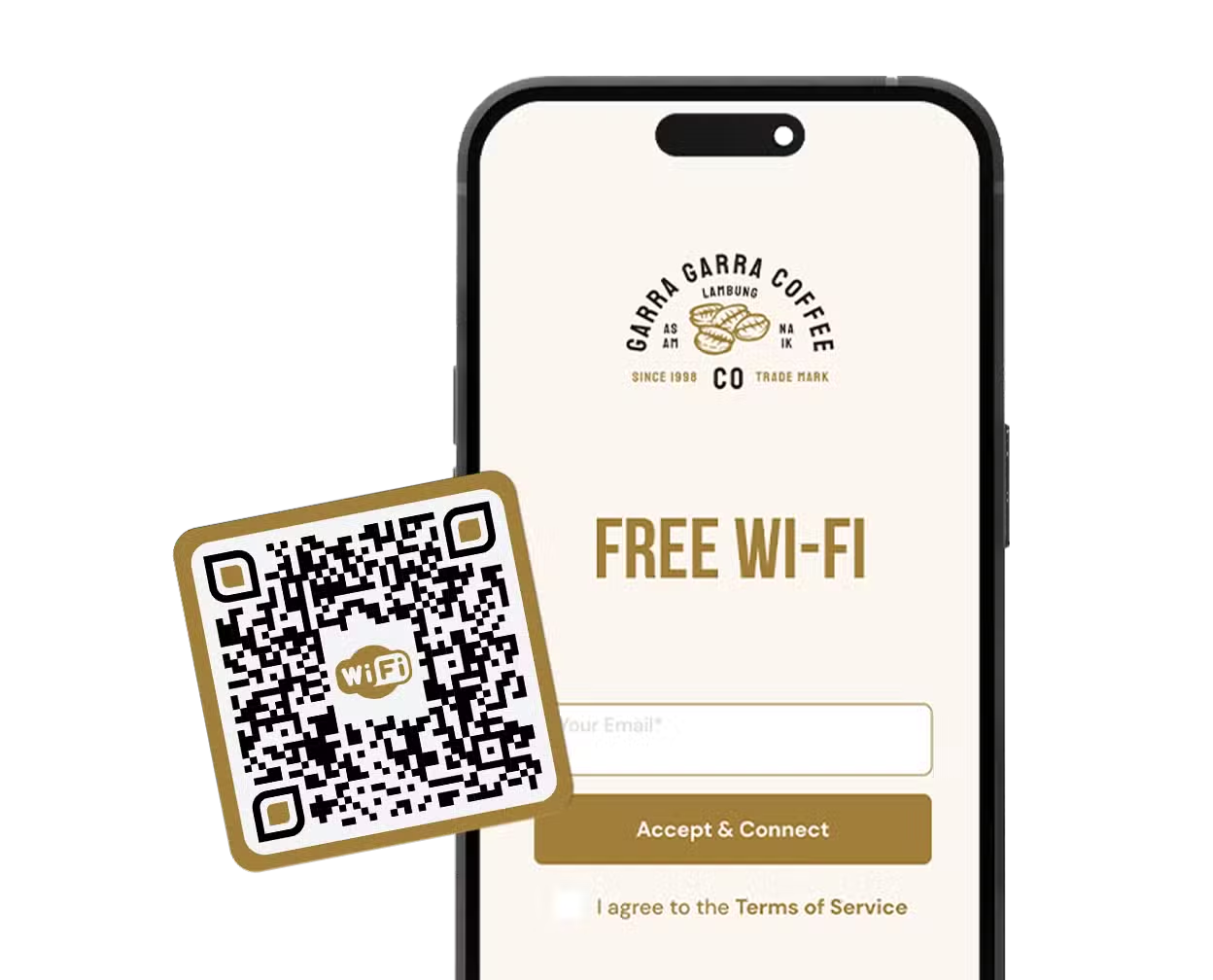
When someone scans your QR code for a WiFi password, they usually can’t see the password. There are options that automatically connect, or that say something like, “Join Network.” Sometimes, if a QR code displays raw data, they can see the password.
Is it safe to join a WiFi network with a QR code?
You wouldn’t want to scan a code from an untrusted source. If you are somewhere you trust, like a business, hospital, cafe, hotel, etc., you can scan.
Is my WiFi QR Code going to expire in the future?
As long as you keep your account open with Trueqrcode, your account won’t expire, and neither will your code.
Do I need an app to scan a QR code?
Yes, or most smartphones now can just scan it in their camera app.
Can I make a QR code for a hidden WiFi network?
Yes, you can create QR codes with a logo for hidden WiFi networks.