


FAQs
Here are some FAQs and their answers about creating successful QR codes for apps.
How do QR codes for apps work?
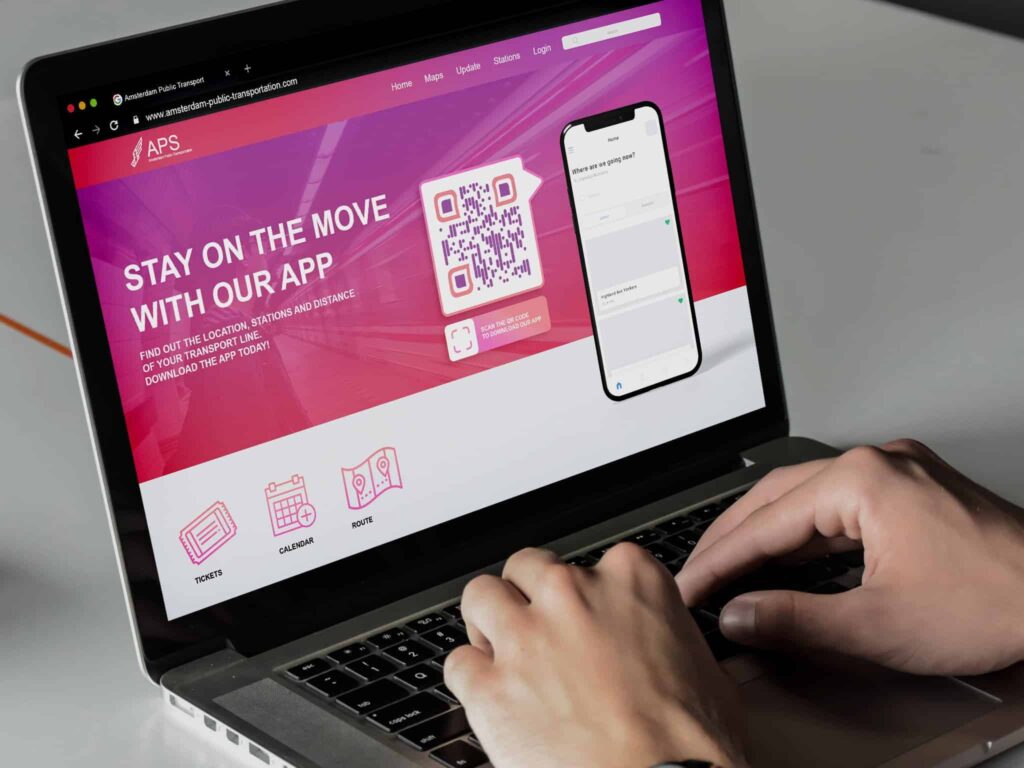
You can create a URL QR Code with the link that directs your audience directly to your app. Or, you can generate a Multi-Link QR Code that goes to a landing page with options for iOS and Android apps that they can choose from.
Is the app automatically downloaded when you scan the QR code?
No. The user has to choose to download the app after scanning the code.
Where should I print QR codes for apps?
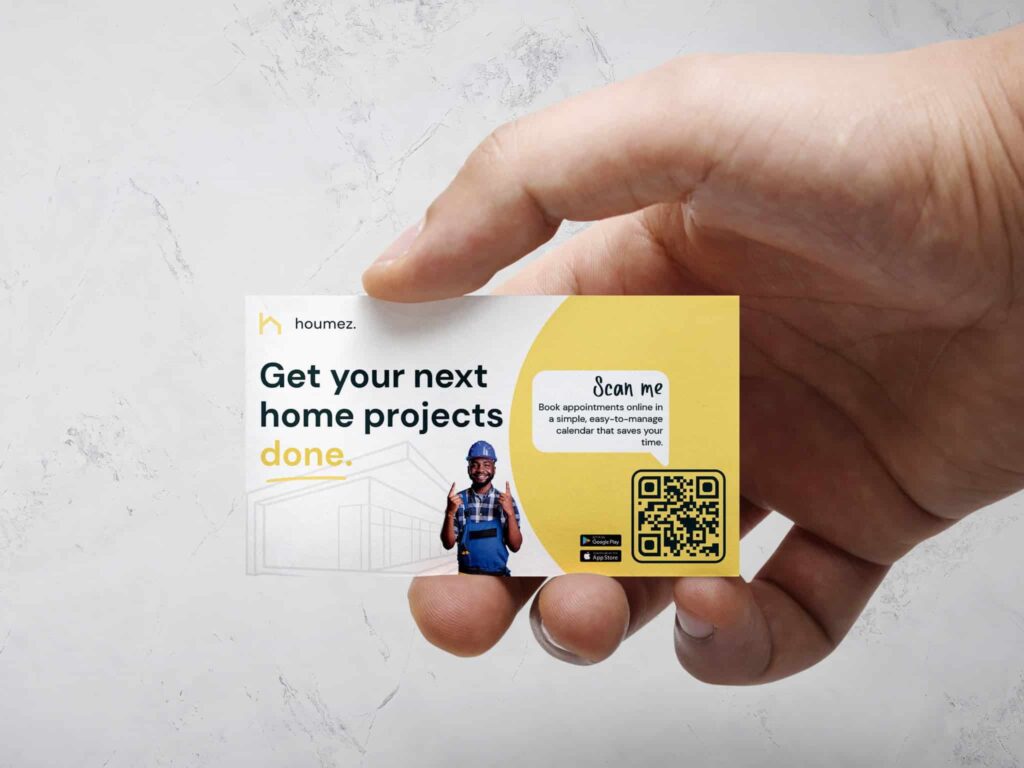
You should print App QR Codes where they are conveniently seen and scanned, and in places that target your ideal audience. Materials and locations will be different for everyone based on your industry and objectives.
How can I track App QR Codes?
In Trueqrcode’s dashboard, you can track App QR Codes by the number of scans, times, days, and locations of scans, and on what type of device they were scanned, i.e.: iOS or Android. To take things further and track actual downloads, you would need to consult the analytics of your app accounts themselves, or set up unique URLs with UTM parameters for different QR code placements to track where visitors come from.
Do QR codes for apps guarantee me more downloads?
App QR codes are an additional way to encourage people to download your app with ease. In theory, this marketing channel increases the amount of visibility your app will get, thus increasing downloads. However, direct downloads are not guaranteed, as your audience will choose to download your app based on how much they like or need the app itself.