QR Codes for Personal Portfolios With Multiple Project Links

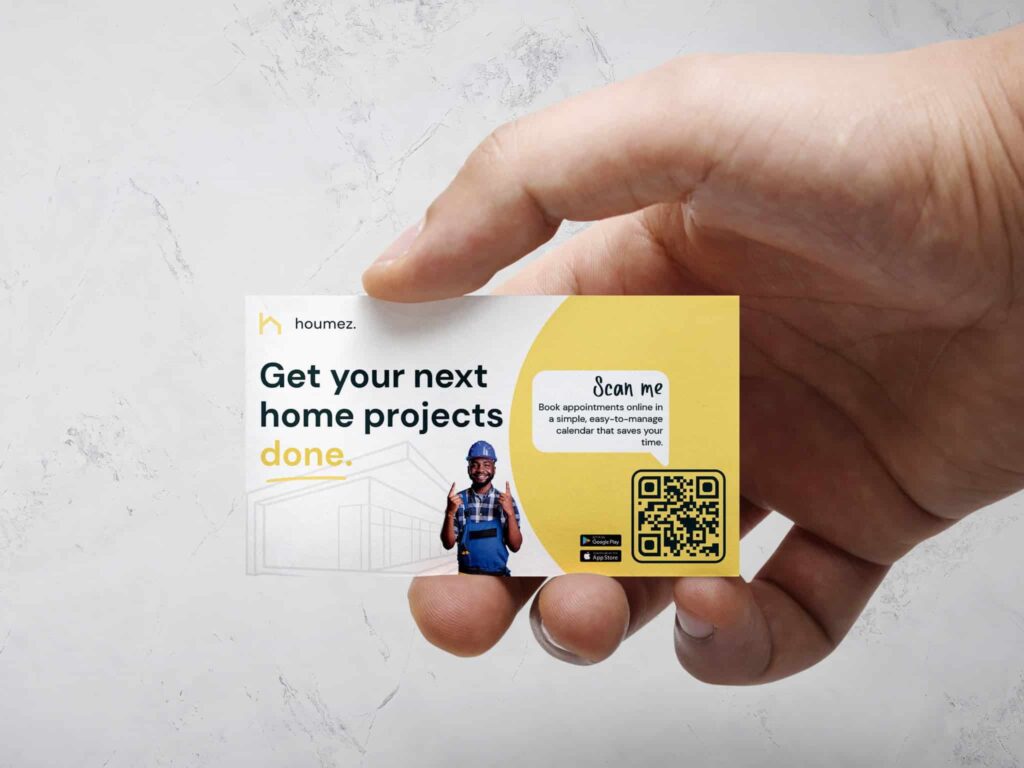
a yellow and white business card with a handyman and his portfolio qr code
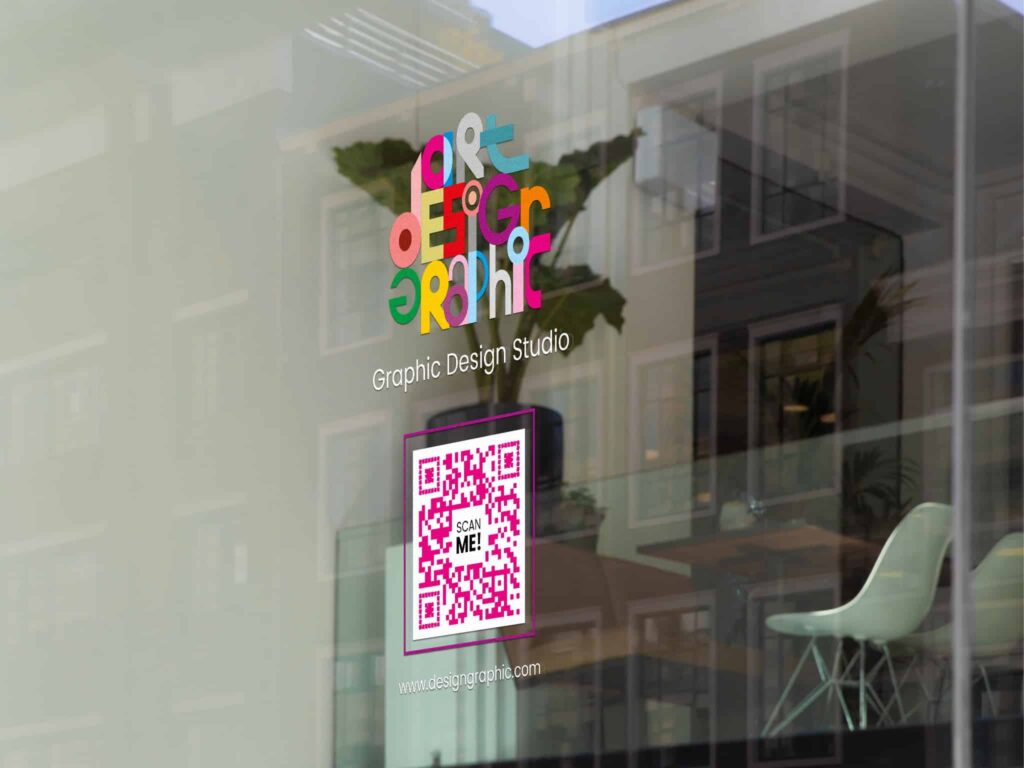
a pink qr code printed on a window

Use a QR code as your personal portfolio! A Multi-Link QR Code with a landing page displays who you are and what you have to offer immediately upon scanning.

If you want a more interactive business card, CV, contact card, website profile, etc., create a QR code linking to your portfolio. 

Link to websites you’ve contributed to, art galleries, real estate sales, YouTube and Spotify channels for musicians, video introductions of yourself or your brand, content you’ve created, and more!

Benefits of QR Codes for Personal Portfolios With Multiple Project Links

Creating a QR code is the best way to share your personal portfolio anywhere. It’s the fastest and most convenient way to show information in a professional format to potential clients and for future job opportunities.

Dynamic QR codes are editable

If you want to edit a QR code, you need to go dynamic (and all of our QR code types are). For something that changes constantly, like portfolios, you need to have changeable links. When you add more content, just add more links. If something isn’t getting enough attention or is outdated, you can take it away. You can also change designs if you want to, or leave them alone. When your brand evolves, your QR codes, landing pages, and portfolios follow suit.

Straightforward landing pages

You can design a professional QR code landing page in no time with our design tools. They’re easy to use, and you can add your branded colors, images, and logos by uploading them straight into the QR code generator. QR code landing pages show links to your work in a linktree format. This allows your audience to choose what to click on based on what’s important to their needs.

Autofill information without errors

vCard QR codes autofill contact information immediately into the scanner’s cell phone. That means you’ll never have to find anyone’s social media usernames, worry about typos, or mistyped phone numbers. You can add multiple sites to this option, including a URL that leads directly to your website or online portfolio.

Paid QR code generators don’t have ads

Free QR code generators have ads, eliminating professionalism and scaring people off. They do not let you know when they change your account to someone else’s, so if someone scans the code three years from now, it might end up directing them to a vulgar, inappropriate website. Ads are unsightly and you can’t choose what kind of content they share. This can damage your image and reputation because people might think you endorsed it. White-label QR code generators that are paid, are safe, have no ads, are practical, and never reuse your code elsewhere. They are always yours and never expire as long as you keep your account open.

QR codes for personal portfolios boost engagement

Go beyond the portfolio and create a relationship. Sometimes, people’s best work is strewn across multiple social media platforms. Sometimes, it’s on just one website. It might be in the form of galleries, music, videos, services, architecture, products, and more. A QR code generator for multiple links enables you to boost engagement with the crowd that is interested in your portfolio and brand in general.

How to Create QR Codes for Personal Portfolios With Multiple Project Links

You can generate a customizable QR code in minutes using these easy steps:

  1. Go to Trueqrcode QR code generator. Click on the Multi-Links option. You can also choose the Vcard Plus option if your portfolio lies within the realms of socials, or just include your link in the website field. This option also populates your contact information into the other person’s phone.
  2. Add the content that’s prompted in the input fields. These would be links to your work.
  3. Design your QR code landing page. Give it your branded colors with an image representing your products and services, or a personal profile picture of yourself. Make sure the headers/titles are short but grab the audience’s attention so they want to click the links. 
  4. Now, customize QR codes with branded and contrasting colors so it scans well. QR codes with logos generally perform better than those without, according to QR code analytics.
  5. Download your QR code to your cell phone so people can scan it digitally when you meet. Then, print your QR code on materials where target audiences will find it in community spaces. Always do a test scan to make sure it works. Take into account size, distance, and materials. Convenience is key.
  6. Track a QR code using our analytics dashboard. You can track the number of scans, clicks per link, time, and location of QR code scans. This is important for knowing what links are most important to your audience and what you can improve. It also lets you know if people are engaging. This enables you to perform A/B testing more successfully, resulting in better campaigns, and higher conversion rates. 
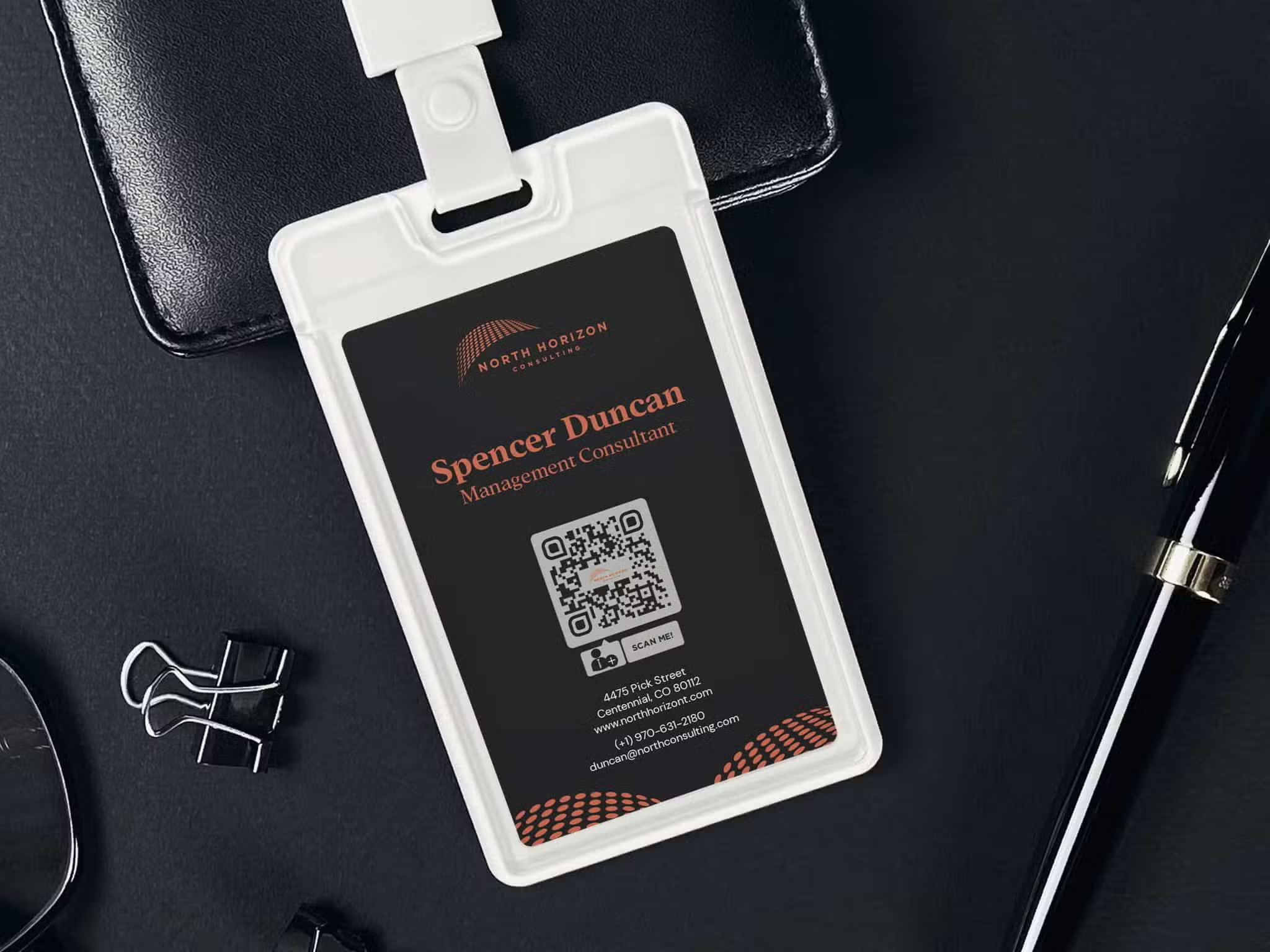
QR codes on Badges for a business consultant
QR codes on Stationery for a wedding photography studio

Best Practices of QR Codes for Personal Portfolios With Multiple Project Links

Since this QR use case can extend to any industry, for businesses and independent professionals alike, you can benefit from the technology in various ways according to your needs, business structure, and the content you want to share.

Digitally enhance CVs

Resumes that are digitally enhanced stand out. Adding a QR code to your personal portfolio enables those around you to store your information in their mobile phones and choose the content they want to see. It’s beneficial for companies and clients to view what you have to offer so they can use your products and services.

Print QR code portfolios on your business card

A QR code on a business card makes it stand out in a stack of cards received among the rest after events and conferences. If you choose to use a vCard QR Code, which populates information into the scanner’s cell phone, you eliminate errors and the need to search for social media sites. By using those multiple links, including a website of your portfolio, people will never miss out on seeing your content.

Add a QR code to signs, banners, posters, and flyers in community spaces

If you’re a real estate agent, for example, print QR codes on signs outside of homes you’re selling. This will increase the number of people contacting you who are interested in buying homes. Share the newest listings, galleries, videos, and more. 

The same goes for architects. Portfolio QR codes can direct users to storytelling videos and pictures of buildings and homes that are in the works or have already been completed.

Musicians and artists can use QR codes for concerts and shows

Share behind the scenes videos, tell stories about how you created projects, share links to Spotify, YouTube, ticket sales, bookings, and other events. A QR code generator for multiple links is perfect for anyone whose lifestyle is their portfolio. Creative people have a lot of content that is useful for others and they can print QR codes in galleries and on posters to share that.

Highlight your services

Are you a hairdresser, makeup artist, or nail technician? Add a QR code to brochures and cards with a portfolio to multiple links showing what you can do. Try new techniques, talk about creative ideas, and maybe share the result of your clients’ requests. Wedding photos, birthday albums, and videos from the work you’ve done will make people reach out to you for their next events!

Tips About Making QR Codes for Personal Portfolios With Multiple Project Links

Check out our tips for your best QR code creation and usage:

Quality, not quantity

Add quality content to your portfolio. Just because there are more links available doesn’t mean that you have to use all of them. Some people only have one link to their online portfolio, and more content on social media. Explore the different QR code types and see what works best for you. Show off your best and most relevant work with clear link names that attract interest.

First impressions count

What do you want people to see when scanning your QR code? Prioritize your best work at the forefront and avoid complicated links and extra tasks for recruiters and clients to search through.

Test all your links

You lose business when links are wrong. Even if you can edit dynamic QR codes, that should be for updating purposes. You should never launch a code without making sure every link goes to its proper place. It tells people you pay attention to detail when things are right from the start.

Keep QR code printing in mind

Here’s a checklist to make your life easier:

  • Is it the proper size?
  • Does it scan on the material chosen?
  • Is the distance appropriate for scanning?
  • Is there anything blocking the code?
  • Don’t cover the eyes (corners).
  • Don’t print on curves, creases, and folds.
  • Windows and glasses are okay, but avoid ultra-shiny, reflective surfaces.
  • Is it in an appropriate area for your target audience?
  • Did you leave enough white space around it so it scans?

Refine your links according to analytics and feedback

Your personal portfolio is your best digital asset. Take into account the feedback you’ve received from visitors about your content and analyze the clicks you’re getting per link. After some time, that should tell you what you need to modify to get the business you want.

FAQs

Take a look at the answers to some of our most asked questions. For more information, we have an entire library of blogs and resources to help you create amazing QR code marketing campaigns for any industry and need.

A QR code portfolio with multiple links can direct people to a website, GitHub repo, design work, case studies, listings, publications, styles, contact information, social media sites, etc. 

First, QR codes are trackable so you know if someone is interested. Additionally, QR codes make it easier to scan and share, so there are no errors or typos.

It should direct to your best pieces of relevant work, and preferably recent. It can also direct to contact information and social media links.

Just enter your Trueqrcode account, click on the QR code, and edit the links where you input them upon initial creation of the QR code.

That depends on your industry and objectives. Quality, not quantity. Show them your best and most relevant achievements!