You open the door, greet your guest, hang up their coat, and then comes the classic question: “What’s your WiFi password?” For many of us, this happens all the time. Whether you’re welcoming friends into your home or clients into your business, WiFi access is one of the first things guests expect.
Instead of digging through your phone or pointing to a faded piece of paper on the wall, there is a much better way to handle it. A QR code for WiFi lets guests connect to your network instantly, just by scanning. It feels smooth, modern, and takes one less task off your plate.
In this article, we explore why using a QR code for guest WiFi is the smart move in 2025. We also look at the different settings where it works best and how you can start using it yourself today.
Why WiFi Access Matters for Guests
Let’s be honest, internet access has become a basic expectation. It is often the first thing people check after walking into a home, hotel, restaurant, or office. For guests, having fast and easy access to WiFi is a matter of comfort, productivity, or even just politeness if they want to save mobile data.
Yet the process of giving access is often clunky. You might:
- Forget the password
- Have it written on paper that is now coffee-stained
- Try to spell out a long combination of letters, numbers, and symbols
- Deal with connection issues from typos
It’s a small inconvenience, but it can start the visit with unnecessary friction. Using a QR code removes all of this and makes the experience seamless.
What Makes QR Codes Ideal for Guest WiFi
A QR code is more than just a shortcut. It changes the way you offer hospitality, both at home and in business settings. Here is why it works so well:
- Instant Connection: Your guest scans the code with their phone, and within seconds, they are online. No typing. No frustration. Just scan and connect.
- User-Friendly for All Ages: Whether your guest is a tech-savvy teenager or an older relative who finds typing difficult, a QR code makes it accessible for everyone.
- Secure and Private: You can print a QR code without showing the actual password. That means you do not need to say it out loud or write it in visible places.
- Reusable: Unlike verbal instructions or temporary codes, you can print one QR code and use it again and again for future guests.
- Easy to Update: If you use a dynamic QR code, you can update the network behind the code without changing the printed version. This is perfect for short-term rentals or businesses that rotate passwords for security.
Real-Life Scenarios Where It Shines
Let’s go beyond the theory. Here are examples of where a WiFi QR code makes a real difference in the guest experience.
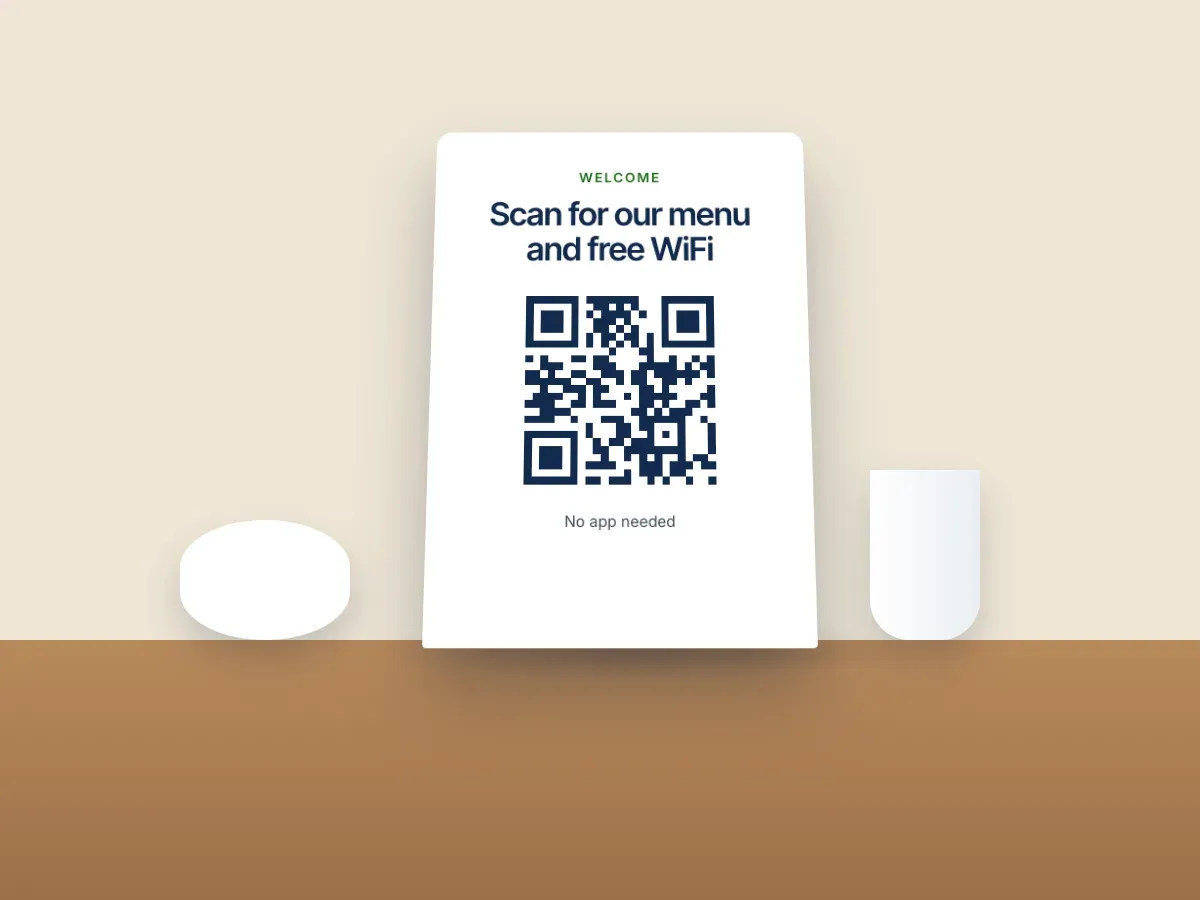
- At Home: You invite friends over for dinner. Before you even serve drinks, one of them asks for the WiFi. Instead of interrupting the conversation to dig through your notes, you point to a stylish frame on your shelf. They scan the QR code and connect. The moment is simple and effortless. You can also place the code on your fridge, a hallway shelf, or next to the guest bed if someone is staying overnight.
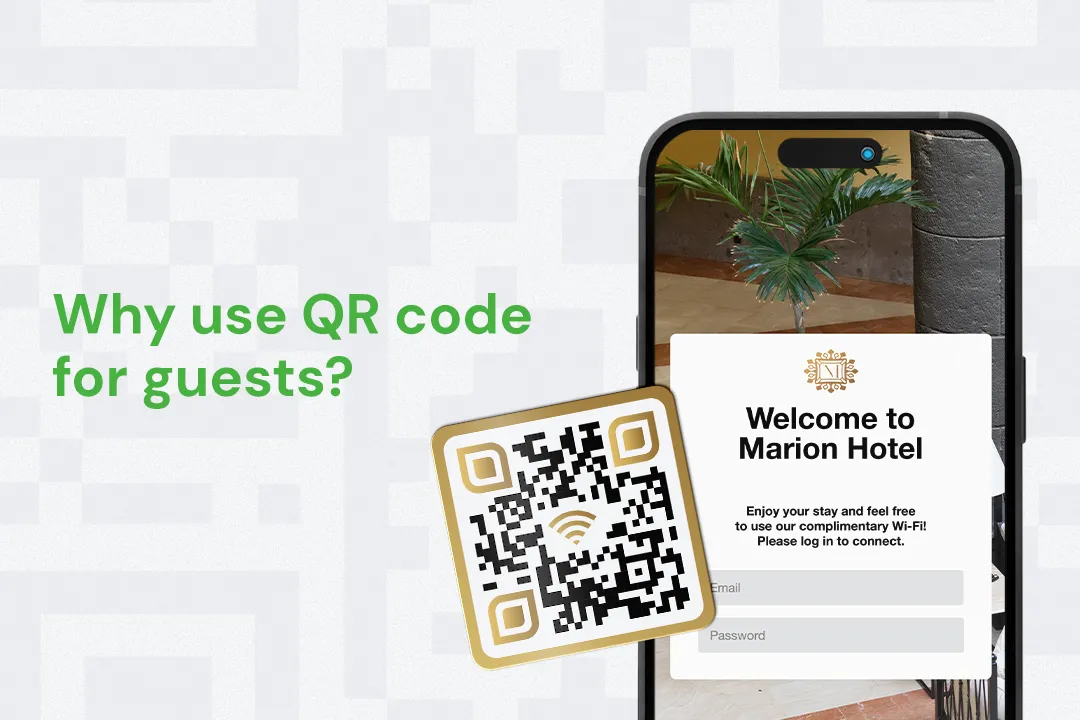
- Bed & Breakfasts and Airbnbs: Imagine checking into a vacation rental. You open the door and see a welcome guide with a QR code labeled “WiFi Access.” You scan it and your phone connects instantly. That tiny touch sets the tone for a smooth and thoughtful stay. For hosts, it avoids countless support messages asking for the network name or password.
- Offices and Meeting Rooms: In a workplace, visitors often need internet access to present slides, send emails, or join video calls. Instead of asking reception for the password or handing out sticky notes, you display a QR code in the meeting room. It looks professional, saves time, and avoids password confusion.
- Cafés and Restaurants: Customers frequently ask for WiFi, especially if they are staying longer or working remotely. Adding a small QR code on your menu, napkin holder, or wall poster makes it easier for them and frees up your staff from repeating the password all day. It also opens the door to cross-promotions. For example, the QR code can also link to your review page or Instagram profile once they connect.
- Event Venues and Conferences: Events bring together large groups of people who need to be online. A QR code printed on badges, banners, or the event guide gives every attendee fast access without creating a bottleneck at the registration desk.
First Impressions Matter
Offering easy WiFi access says something about your attention to detail. Guests remember when something is easier than expected. Whether it is your home, your business, or your event, the little things shape how people feel in that space.
Using a QR code shows that you have thought ahead. It reduces friction and helps guests settle in faster. And because it is a passive solution, it works even when you are not around to assist.
How to Get Started
If you are ready to start using a QR code for your guest WiFi, here’s what to do.
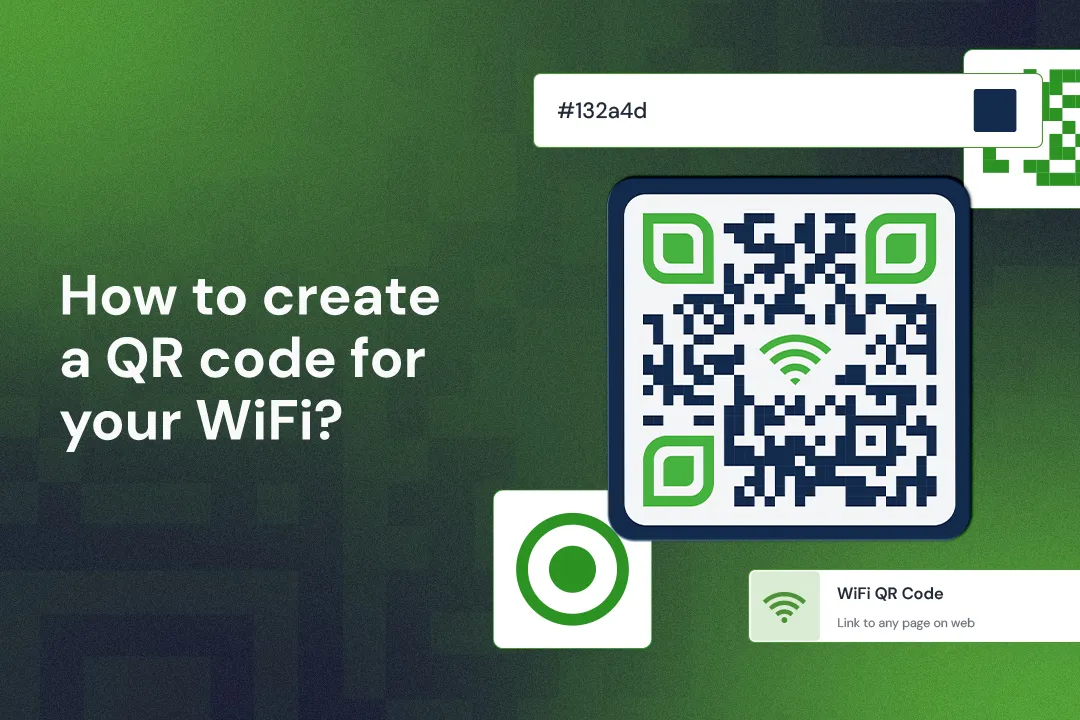
- Go to Trueqrcode’s WiFi QR Code Generator
- Enter your network name, password, and security type
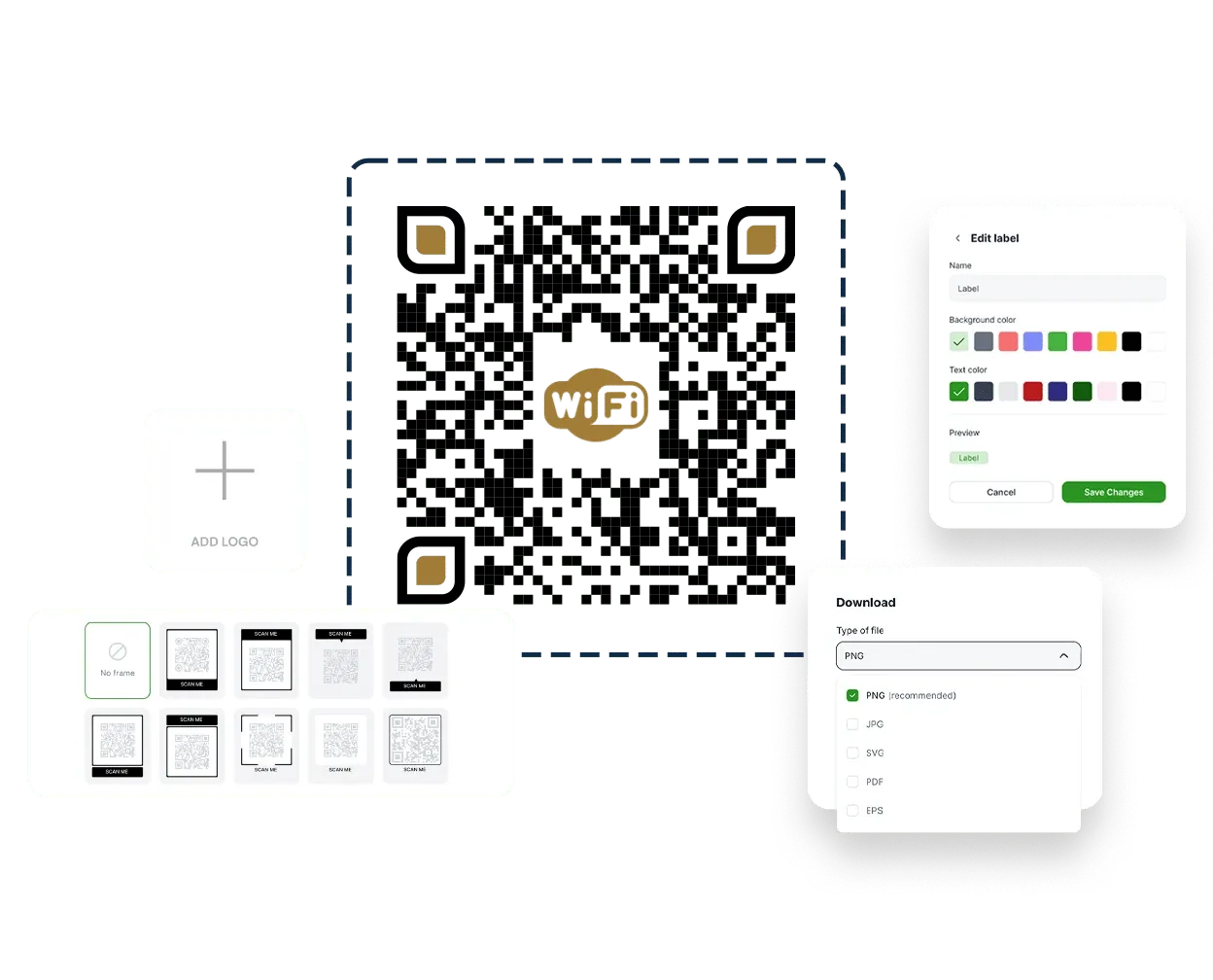
- Customize the design (colors, shapes, logos)
- Download your QR code
- Print it and place it where guests will see it
With a PRO account, you can make dynamic QR codes, update the info later, track how often the code is used, and even pause access temporarily.
Tips for Displaying the Code
- Use a small frame and place it near common gathering spots (coffee table, kitchen counter, reception desk)
- Add a simple label like “Scan for WiFi” so it’s clear what it does
- Laminate the card or use a plastic holder to keep it clean and durable
- Consider a second version with your branding if it is for a business
Final Thoughts
A WiFi QR code for guests is a small detail that makes a big difference. It removes friction, adds a modern touch, and makes your space feel more welcoming. Whether you are hosting at home, running a business, or managing a short-term rental, this is one of the easiest ways to improve the guest experience without spending money or time.
With Trueqrcode, it takes just a few minutes to set up. And once you do, it is ready to help your guests feel more connected literally.