If you have looked around lately, you have probably noticed QR codes popping up everywhere. Restaurants are using them for menus, local shops for promotions, and even event organizers for quick check-ins. The best part is that creating a QR code is easier than ever, and you do not always need to pay for it.
Over the past few months, I have been testing different free QR code generators to see which ones are actually useful. Some are surprisingly good, while others are limited or filled with branding you do not want on your marketing materials. Here is my personal take on the best free tools you can start using right now.
| Tool | Static QR (Free) | Dynamic Codes | Customization (Logo/Color) | Vector Format | Analytics |
|---|---|---|---|---|---|
| QRCode Monkey | Unlimited | No | Yes | Yes | No |
| Adobe Express | Unlimited | No | Limited | PNG/SVG | No |
| Canva | Unlimited | No | Yes in Canva | PNG | No |
| TQRCG | Unlimited | 2 free | Logo and color options | Yes | Basic |
| QR Tiger | Unlimited | Limited | Yes | Yes | Detailed |
QRCode Monkey
If you only try one tool, make it QRCode Monkey.
It is completely free, works quickly, and gives you plenty of freedom to style your QR code the way you want. You can drop in a logo, adjust the colors to match your brand, and even play with the shape of the corners to make it stand out.
What I like most is that you can download crisp vector files like SVG or PDF. If you ever need to print your QR code on a flyer or a business card, it will stay sharp and professional instead of looking blurry or pixelated. There are no watermarks, and static codes do not expire.
If you just need a clean, branded QR code without spending a cent, this is the one.
Adobe Express QR Code Generator
Adobe’s free QR generator is simple but elegant. You paste in your link, pick a color, and download it in seconds. The reason I like this one is that it connects directly to Adobe Express, so if you are already designing social media posts, presentations, or flyers there, you can drop in your QR code instantly.
It is not the most feature-rich tool, but for quick projects or one‑off designs, it does the job very well.
Canva QR Code Generator
If you are a Canva user, you might not even need an outside QR tool. Canva has a built-in generator that is perfect for creating posters, business cards, or event materials with QR codes.
The free version only makes static codes, but it is ideal if your link will not change. Just generate the code, drop it into your design, and you are done. It is especially handy for anyone who is already creating branded visuals in Canva.
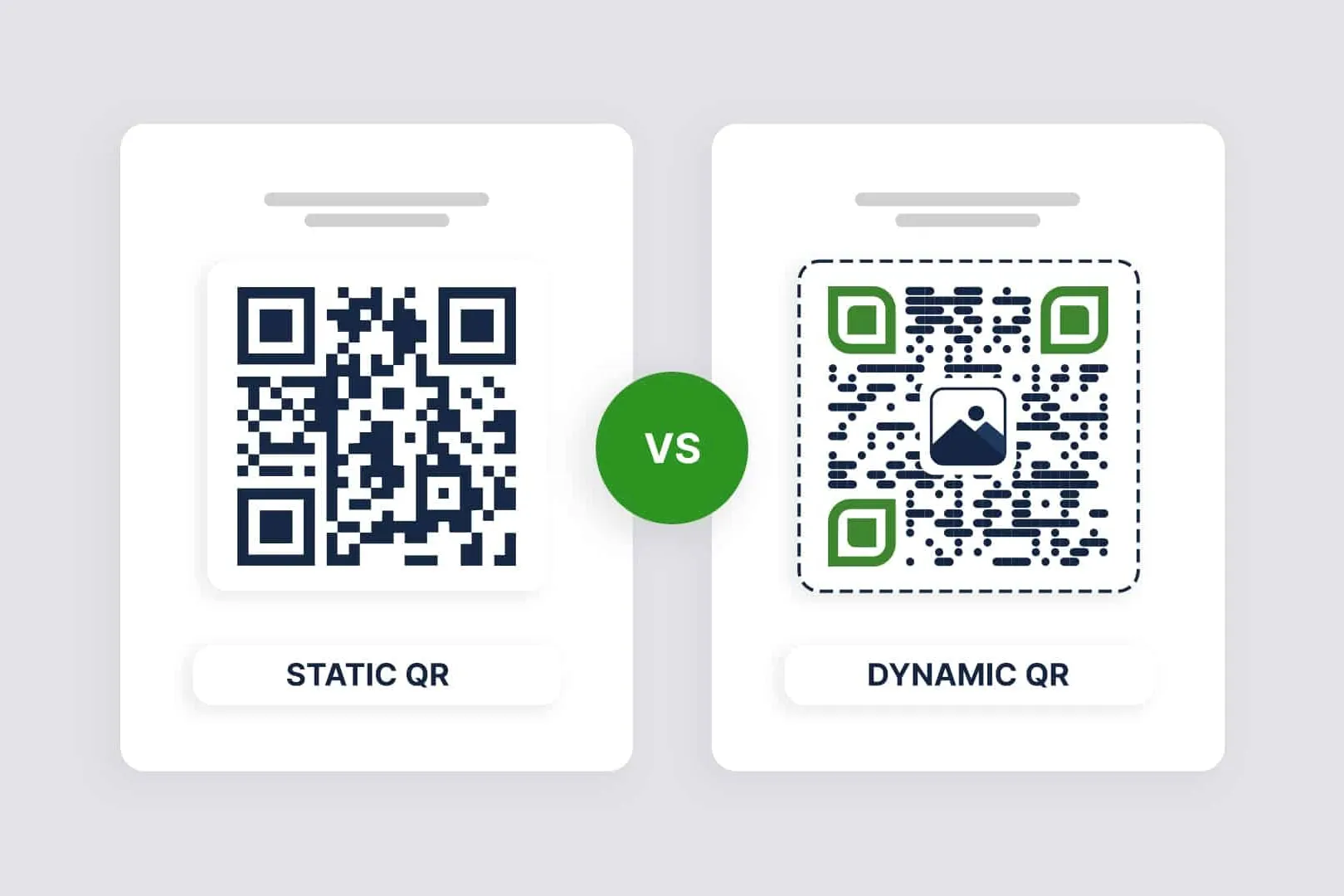
| Static QR Codes | Dynamic QR Codes | |
|---|---|---|
| Content Flexibility | Information is fixed at the point of creation and cannot be changed. | Allows changing the encoded information anytime without altering the QR code itself. |
| Tracking Capability | Do not provide any scan tracking features. | Offers the ability to track scans, providing valuable data for evaluating QR code strategy. |
| Use Cases | Best for permanent, unchanging information, like a business card. | Ideal for information that may need to be updated, such as promotional campaigns or event details. |
The QR Code Generator (TQRCG)
TQRCG is a bit of a hidden gem. Unlike most free tools, it actually gives you two free dynamic QR codes that you can edit later if the link changes. Let’s say you print a QR code today that points to your product catalog. A month later, you release a new version. Instead of printing new materials, you can just update the link behind the same code and it will still work.
You can also see how often people scan it, which is a nice way to check if your QR codes are actually being used without setting up anything complicated. For small businesses that want to test the waters with QR codes, this makes it an easy starting point.
QR Tiger
QR Tiger feels less like a basic QR generator and more like a lightweight marketing platform. The free plan still gives you unlimited static codes along with a few dynamic ones. If you plan to run campaigns where you might change the link later or want to see which QR codes are performing best, this tool is worth a look.
The interface takes a little more getting used to than the simpler generators, but the trade‑off is that you get features like editable codes and more detailed analytics. It is a solid choice if your QR code use goes beyond casual or one‑time projects.
My Honest Take
- If you just want a simple, static QR code for free, QRCode Monkey is the easiest pick.
- If you do a lot of visual design work, Canva or Adobe Express will save you time.
- If you want flexibility and some tracking, start with TQRCG or QR Tiger.
From experience, most small projects only require static codes, but businesses often grow into needing dynamic ones once they want analytics and flexibility.
Want to Go Beyond Free QR Codes?
Free tools are perfect for getting started, but they do have limits. Static QR codes cannot be updated or tracked, which can be a problem if you change URLs or want campaign insights.
If you are curious about when it makes sense to switch to a paid plan, check out our next guide:
Static vs Dynamic QR Code Generator