


FAQ
Most frequent questions and answers
Can I change the PDF that is uploaded to my QR code?
Yes! Every dynamic QR code made is editable, so if the PDF changes, there is no need to reprint the code.
What size should I make the QR code on my flyers?
2cm x 2cm or 0.8in x 0.8in is an appropriate size. Always do a test scan on a test print before printing hundreds of flyers to make sure the code is accessible and convenient.
Can I see how often my QR code is scanned?
QR code tracking is simple in Trueqrcode’s analytics dashboard. You can see the number of scans, days, times, locations, and on what devices the code is scanned.
Who puts QR codes on flyers?
Everyone! From businesses to artists and musicians, and more, anyone who is keen to share their valuable PDF content puts a QR code on their flyers.
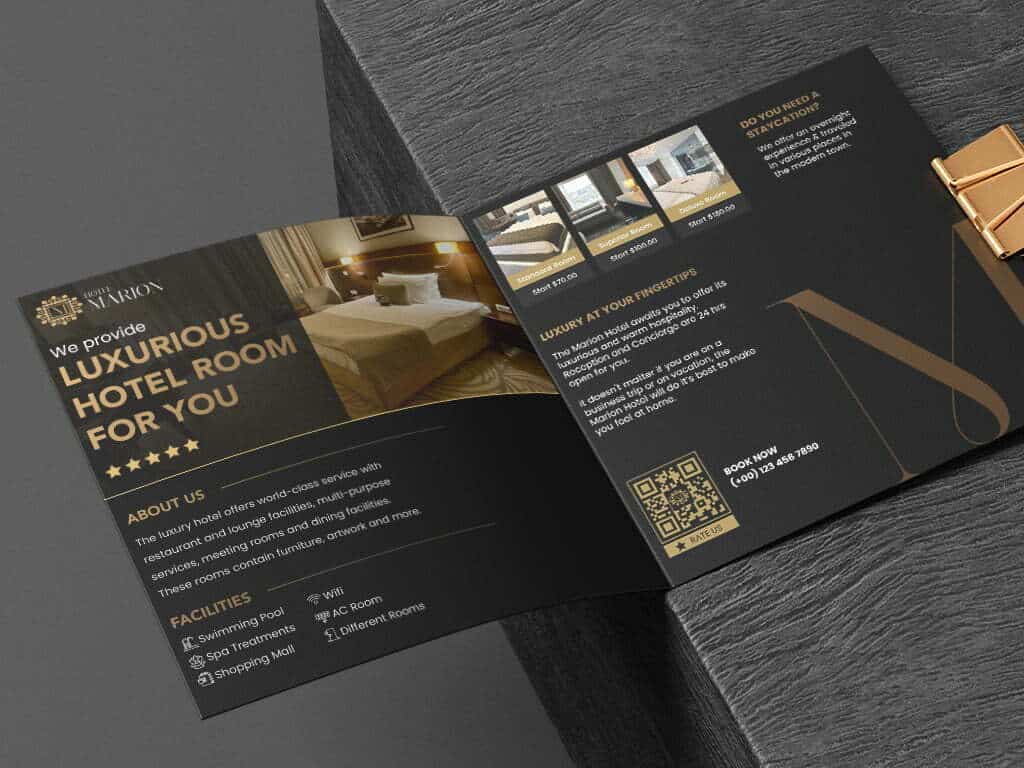
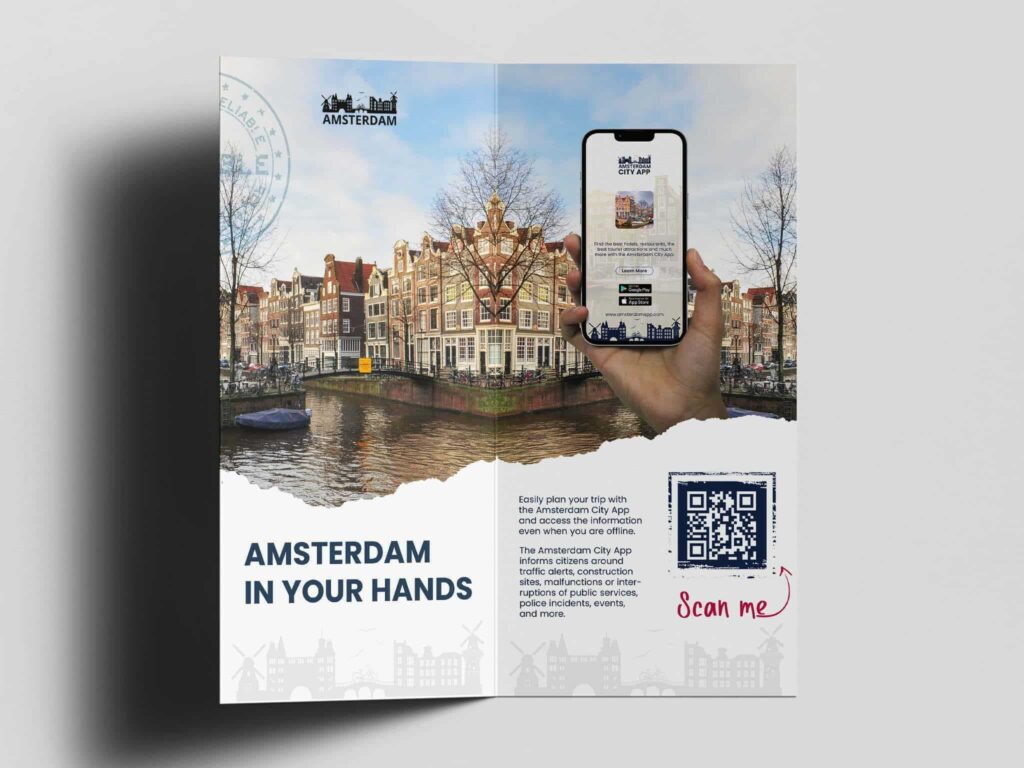
How can I put a PDF QR code on a flyer?
Download the QR code and put it in the design of your flyers. Depending on where and how you make a flyer, the last step differs. You can try a professional printer near you or an online editor like Canva. Remember – order 1 print before hundreds, so plan in advance.